
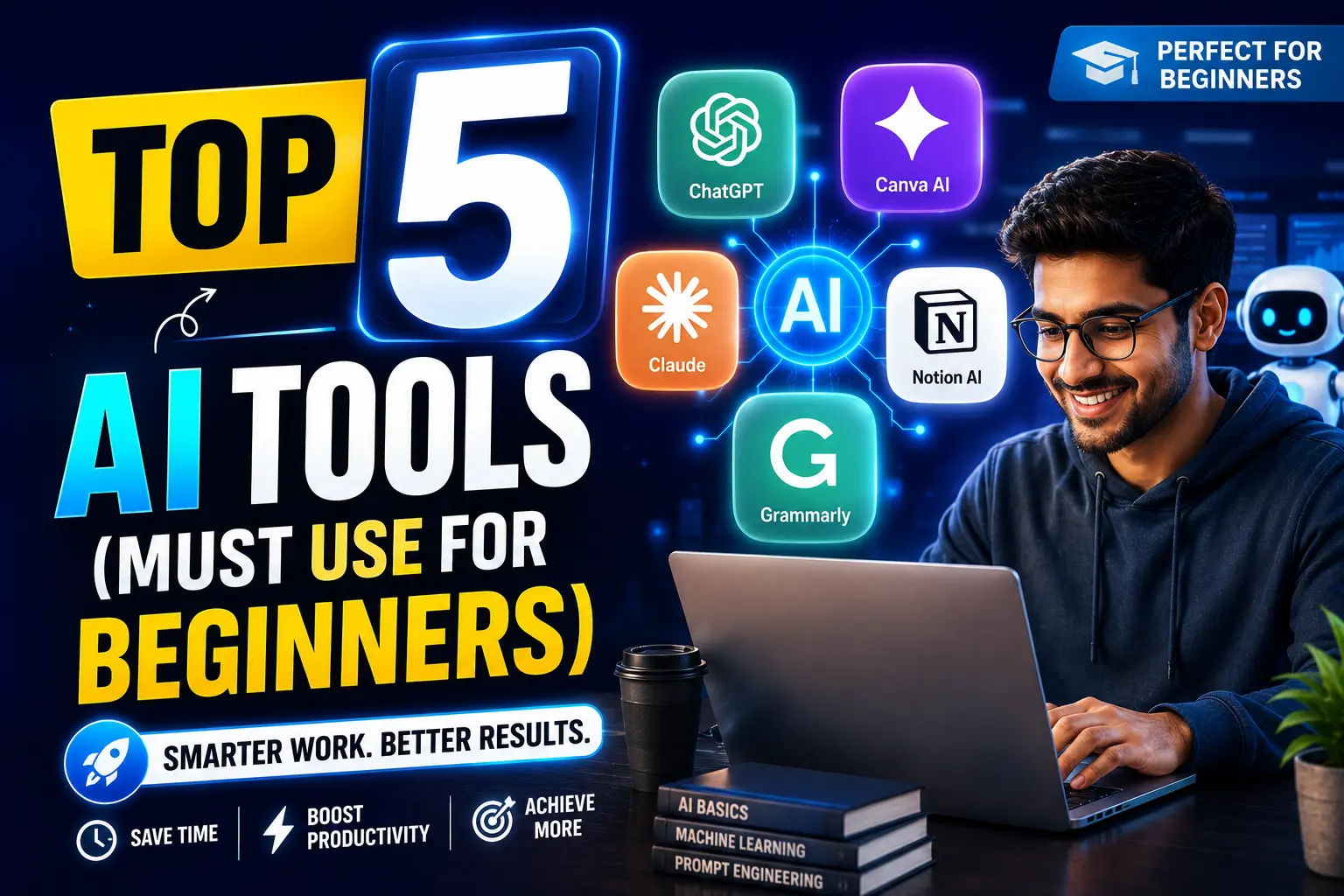
Most “best AI tools” lists are really “every AI tool that exists” lists. A beginner opening a 50-tool roundup doesn’t get clarity — they get decision paralysis and twelve open browser tabs.
Illustrative scenario: Picture someone new to AI tools who bookmarks a “Top 40 AI Tools 2026” article, tries to sign up for six of them in one evening, and abandons all six within a week because none of them became a habit. That’s the actual failure mode of long lists — too many options, no depth with any single one.
This guide picks five tools, each solving a genuinely different problem, so there’s no overlap and no guesswork about which one to open first.
THE SELECTION CRITERIA
Before ranking anything, each tool had to pass three tests:
✔ Has a free tier usable for real work, not just a demo
✔ Solves a problem distinct from the other four tools on this list
✔ Has been actively maintained and updated through 2025-2026, not abandoned
Tools that failed any of these three tests didn’t make the cut, regardless of how popular they are.
1. CHATGPT — FOR GENERAL THINKING AND WRITING
What It Actually Does
ChatGPT is the closest thing to a general-purpose thinking partner: drafting emails, explaining concepts, brainstorming, summarizing, basic coding help, and answering questions across nearly any topic.
Free Tier Reality (Verified)
As of mid-2026, the free tier runs on GPT-5.5 with a limit of roughly 10 messages every 5 hours before falling back to a lighter “mini” model. US users see ads in responses since February 2026. File uploads (PDFs, images, spreadsheets) are included even on the free tier.
Illustrative scenario: A student using ChatGPT to help outline an essay might use 6-8 messages in one sitting — comfortably within the free limit. Someone trying to have an all-day back-and-forth conversation for work will hit the wall by mid-morning.
When to Upgrade
Plus is $20/month and removes ads, raises the limit to roughly 160 messages every 3 hours, and adds Deep Research and image generation tools. If you’re hitting the free limit more than twice a week, Plus pays for itself in saved frustration.
| Tier | Price | Message Limit | Best For |
|---|---|---|---|
| Free | $0 | ~10 msgs/5 hrs (GPT-5.5) | Occasional use, testing |
| Plus | $20/mo | ~160 msgs/3 hrs | Daily professional use |
What Most Beginners Get Wrong
They ask one-shot questions and accept the first answer. ChatGPT works far better as a conversation — asking a follow-up like “make this shorter” or “explain that differently” usually produces a noticeably better result than the first response.
2. CANVA — FOR ANYTHING VISUAL
What It Actually Does
Canva combines design templates with AI features: background removal, text-to-image generation, and Magic Resize (turning one design into properly-sized versions for Instagram, LinkedIn, and print automatically).
Free Tier Reality (Verified)
The free plan includes a genuinely usable template library, 5GB storage, and a monthly AI credit allowance (roughly 200 standard AI uses). Pro pricing sits around $12-15/month billed annually (closer to $18/month if paying monthly), unlocking the full premium asset library, background remover, and expanded AI credits.
Illustrative scenario: Someone making a single Instagram graphic occasionally will likely never need to pay — the free tier’s AI allowance resets monthly and rarely gets exhausted by light use. Someone posting daily across three platforms will hit the AI credit ceiling within two to three weeks.
When to Upgrade
If you’re removing backgrounds or generating AI images more than a few times a week, or if you need brand consistency (saved fonts, colors, logos) across multiple designs, Pro becomes worthwhile.
| Tier | Price | AI Credits | Best For |
|---|---|---|---|
| Free | $0 | ~200 standard AI uses/month | Occasional graphics |
| Pro | ~$12-18/mo | ~2,000 standard AI uses/month | Regular content creators |
What Most Beginners Get Wrong
They start from a blank canvas instead of searching the template library first. Nearly every common design need — social posts, flyers, presentations — already has a strong starting template; editing one is faster and looks more professional than building from scratch.
3. PERPLEXITY — FOR RESEARCH WITH SOURCES

What It Actually Does
Perplexity works like a search engine that reads the results for you and gives you a direct, cited answer instead of ten blue links to click through yourself.
Free Tier Reality
Unlimited basic searches on the free tier, with a smaller daily allowance of higher-powered “Pro” searches for more complex queries. No credit card required to start.
Illustrative scenario: Researching “what are the current best practices for X” the old way means opening five articles, skimming each, and cross-referencing claims — easily 20-25 minutes. Perplexity compresses that into a few minutes by surfacing a synthesized, cited answer directly, though verifying the most important facts against the original source remains good practice.
What Most Beginners Get Wrong
They treat the first answer as final truth. Perplexity cites sources for a reason — click through on anything that matters (numbers, dates, claims you’ll repeat to someone else) rather than trusting the summary blindly.
4. GOOGLE GEMINI — FOR EVERYTHING ALREADY IN GOOGLE
What It Actually Does
Gemini is built directly into Gmail, Google Docs, Sheets, and Calendar — meaning you don’t open a separate app, you just click an AI icon inside tools you likely already use daily.
Free Tier Reality
Free with any Google account, integrated directly into Gmail and Workspace apps. A paid “Google AI Pro” tier (roughly $20/month) unlocks higher usage limits and access to more advanced models for heavier use.
Illustrative scenario: Drafting a reply to a long, complicated email thread the manual way means re-reading the whole thread and composing a response from scratch — often 8-10 minutes. Gemini’s “Help me write” feature inside Gmail can produce a solid first draft in under a minute, which you then edit for tone.
What Most Beginners Get Wrong
They don’t realize it’s already there. Gemini’s biggest advantage isn’t raw capability — it’s zero friction. No new account, no new tab, no new habit to build. Check for the AI icon in Gmail and Docs before assuming you need a separate tool.
5. OTTER.AI — FOR MEETINGS YOU CAN’T FULLY ATTEND (OR REMEMBER)

What It Actually Does
Otter joins your calls (Zoom, Google Meet, Teams) and produces a transcript plus an AI-generated summary with action items, automatically.
Free Tier Reality
300 minutes of transcription per month on the free tier — roughly five hours of meetings, which covers a light meeting schedule but runs out quickly for anyone in back-to-back calls.
Illustrative scenario: After a one-hour meeting, manually writing up notes and action items typically takes 15-25 minutes of reconstructing what was discussed. Otter’s automatic summary cuts that to a few minutes of reviewing and lightly editing what the AI already captured.
What Most Beginners Get Wrong
They let the free 300 minutes run out mid-month without tracking it, then lose transcription access for an important call. If meetings are central to your week, track your monthly minutes or budget for the paid tier upfront rather than discovering the limit at a bad time.
COMPARISON TABLE: ALL FIVE AT A GLANCE
| Tool | Solves | Free Tier Limit | Paid Tier (Approx.) | Setup Time |
|---|---|---|---|---|
| ChatGPT | General writing & thinking | ~10 msgs/5hrs | $20/mo | 2 minutes |
| Canva | Visual design | ~200 AI uses/mo | $12-18/mo | 2 minutes |
| Perplexity | Sourced research | Unlimited basic | ~$20/mo (Pro) | 1 minute |
| Gemini | In-Google-app AI | Generous, in-app | ~$20/mo (AI Pro) | 0 minutes (already there) |
| Otter.ai | Meeting notes | 300 min/mo | ~$10-17/mo | 3 minutes |
BEFORE YOU START: CHECKLIST
✔ Pick ONE tool from this list matching your single biggest weekly time-cost
✔ Use it for one real task today, not a test question
✔ Track roughly how much time it saved versus doing it manually
✔ Use that one tool daily for a full week before adding a second
✔ Only add tool #2 once tool #1 has genuinely become a habit
WHAT EXPERTS DO DIFFERENTLY
Experienced AI users rarely juggle ten tools. They tend to have two or three that they know deeply — including the specific phrasing that gets better results from each — rather than a shallow relationship with a dozen apps.
They also treat free tier limits as useful, not annoying. A 10-message cap on ChatGPT’s free tier forces more thoughtful, consolidated questions instead of a rambling back-and-forth — often producing a better result than unlimited access would.
FREQUENTLY ASKED QUESTIONS
1-Do I need to pay for any of these to get real value?
No. All five have genuinely usable free tiers. Most beginners can operate for weeks or months without paying anything, upgrading only once they hit a limit that actually interrupts their work.
2-Which one should I try first?
ChatGPT, if you had to pick just one — it covers the widest range of everyday tasks. But if your single biggest time drain is meetings, start with Otter instead. Match the tool to your actual bottleneck, not this list’s order.
3-Will these free limits still be accurate by the time I read this?
AI companies adjust free tier limits fairly often — sometimes expanding them, sometimes tightening them. Treat the numbers here as a reasonable expectation, and check each company’s official pricing page for the current figure before deciding to upgrade.
4-Can I use ChatGPT for everything instead of these other four?
Partially, for research and basic image ideas, but purpose-built tools do their specific job with far less manual effort. Perplexity’s citations, Canva’s templates, and Otter’s automatic meeting join are each faster than trying to replicate the same result through general chat.
5-Is Gemini worth using if I don’t use Gmail or Google Docs?
Less so. Gemini’s main advantage is zero-friction integration into tools you already have open. If you’re not in the Google ecosystem daily, ChatGPT or Claude will likely serve you better as a general tool.
6-How much should a total beginner expect to spend monthly?
Zero, for the first month or two. Most beginners only discover which tool is worth paying for after genuinely hitting its free limit — guessing in advance usually means paying for capacity you don’t end up using.
7-What’s the biggest beginner mistake with these tools?
Signing up for all five in one sitting and using none of them consistently. One tool used daily for two weeks builds more real skill than five tools each tried once.
8-Are there paid tools that would beat all five of these for free?
Possibly, for specific advanced needs — but the point of this list is what a genuine beginner needs with zero budget and zero technical background. Advanced or niche tools are worth exploring only after these five feel comfortable.