
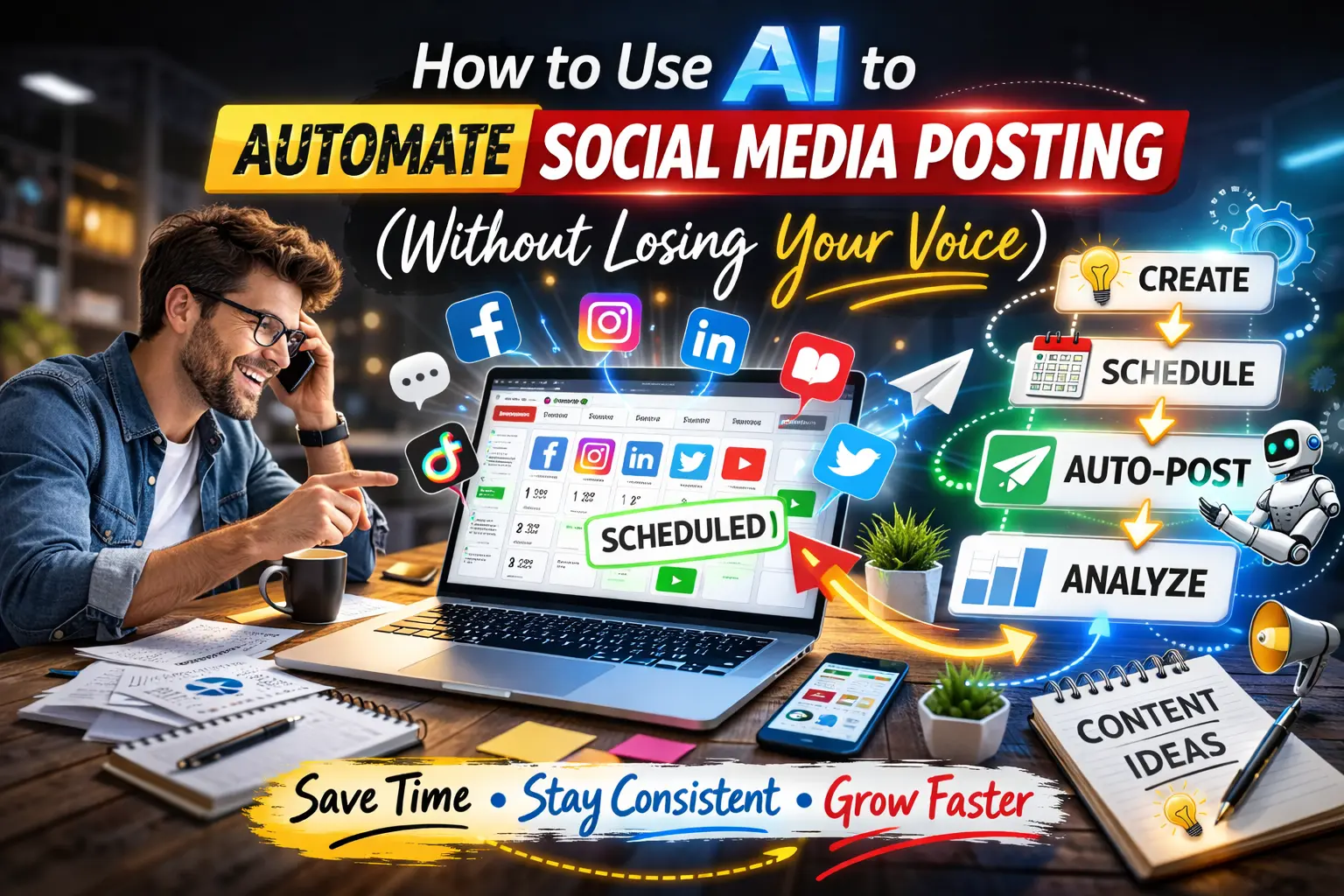
I used to spend three hours every Sunday scheduling social media posts for the week. I’d open five different tabs — Twitter, LinkedIn, Instagram, Facebook, Pinterest — and manually post the same content with minor tweaks for each platform. By the time I finished, I was exhausted and dreading next Sunday.automate social media posting
Then I discovered AI automation tools, and that three-hour weekly chore became a 20-minute setup that runs itself. My posts go out consistently, engagement is up 40%, and I haven’t manually posted on social media in four months. But here’s the part most guides skip: automation only works if you do it right. Done wrong, your content feels robotic, you lose your brand voice, and engagement tanks.
This article is the honest guide to social media automation using AI — what works, what doesn’t, which tools to use, and most importantly, how to automate without sounding like a bot. Real strategies, real tools, no fluff.
Why Manual Social Media Posting Is Killing Your Productivity
Let’s be honest about what manual posting actually looks like.
You write a post, copy it, open Instagram, paste it, adjust for hashtags, upload the image, schedule it. Then you open Twitter, rewrite the same post to fit 280 characters, schedule it. Then LinkedIn, where you expand the post for a professional audience. Then Facebook, then Pinterest, then TikTok if you’re making video content.
That’s the same piece of content reformatted and posted manually five to six times. If you’re posting daily, that’s 35-42 separate manual posts per week. Each taking 5-10 minutes. That’s 3-7 hours per week just copying, pasting, and scheduling.
And that’s assuming you don’t make mistakes. Forgot to post yesterday? Your audience notices. Posted at the wrong time when nobody’s online? Engagement dies. Accidentally posted the same thing twice because you lost track? Now you look unprofessional.
The real cost isn’t just time. It’s consistency. Manual posting is unsustainable. You burn out, you skip days, you lose momentum. The algorithm punishes inconsistency. Your reach drops. Your growth stalls.
AI automation solves this by handling the mechanical parts — scheduling, formatting, cross-posting — while you focus on strategy and content creation. You create once, the AI distributes everywhere.
What AI Social Media Automation Actually Does
AI automation for social media isn’t just scheduling. That’s what tools did in 2015. In 2026, AI automation handles the entire distribution workflow.
Here’s what modern AI automation tools do:
1. Content adaptation across platforms
You write one post. The AI automatically reformats it for each platform — shortens it for Twitter, adds professional context for LinkedIn, makes it visual for Instagram, adjusts tone for TikTok. Same message, platform-optimized delivery.
2. Optimal timing
AI analyzes when your audience is most active and schedules posts for maximum engagement. Not when it’s convenient for you — when your followers are actually online.
3. Hashtag and SEO optimization
AI suggests relevant hashtags, keywords, and tags based on what’s trending and what historically performs well for your niche.
4. Visual content generation
Some tools create images, graphics, or short videos automatically to accompany your posts. You provide the text, AI handles the visuals.
5. Cross-platform publishing
Post once, publish everywhere. AI handles the technical logistics of posting to Twitter, Instagram, LinkedIn, Facebook, Pinterest, and TikTok simultaneously.
6. Performance tracking and adjustment
AI monitors which posts perform best and adjusts your strategy accordingly. If video posts get more engagement than text, it’ll suggest more video content.
The key difference from manual posting: AI doesn’t just save time — it makes your content more effective by optimizing every variable humans don’t have time to analyze.
The 5 Best AI Tools for Social Media Automation (2026)
1. Hootsuite — Best All-in-One Platform
What it does: Hootsuite is the veteran automation tool with deep AI integration. OwlyWriter AI generates captions, suggests hashtags, and recommends optimal posting times. You can manage Facebook, Instagram, Twitter, LinkedIn, TikTok, and YouTube from one dashboard.
Why it works: Hootsuite handles everything — content creation, scheduling, analytics, team collaboration. The AI is particularly strong at breaking down long-form content into platform-specific posts.
Free tier: Free trial available. Paid plans start at $99/month.
Best for: Businesses, agencies, teams managing multiple accounts.
Personal take: Hootsuite is powerful but overkill for beginners. If you’re managing 5+ accounts or working with a team, it’s worth the investment. For solo creators, simpler tools work better.
2. Buffer — Best for Beginners
What it does: Buffer is the simplest automation tool. You queue posts, set a schedule, and Buffer publishes them automatically. The AI analyzes your best-performing posts and suggests what to create more of.
Why it works: Zero learning curve. Connect your accounts, create posts, set time slots, done. The AI handles optimal timing automatically based on your audience behavior.
Free tier: Free plan includes 3 social accounts and 10 scheduled posts per account. Paid plans start at $6/month per channel.
Best for: Solo creators, small businesses, anyone new to automation.
Personal take: Buffer is where I started. It’s dead simple, affordable, and perfect for testing automation before committing to expensive tools.
3. Vista Social — Best for AI Content Generation
What it does: Vista Social combines ChatGPT-powered content creation with full automation. You give it a topic, it writes the posts, generates images using Canva integration, and schedules everything across platforms.
Why it works: The AI writer is genuinely good. It understands your brand voice after a few examples and generates on-brand content consistently. The unified social inbox is also excellent for managing comments and DMs.
Free tier: Free forever plan with basic features. Paid plans start at $29/month.
Best for: Content creators who want AI to handle both writing and scheduling.
Personal take: Vista Social’s AI writer saved me hours. I give it bullet points, it turns them into full posts optimized for each platform.
4. SocialBee — Best for Content Recycling
What it does: SocialBee specializes in evergreen content automation. You create posts once, categorize them (promotional, educational, engagement), and SocialBee automatically recycles them at optimal intervals. The AI ensures your best content keeps reaching new audiences.
Why it works: Most content has a shelf life of hours on social media. SocialBee extends that by intelligently reposting evergreen content when new followers join. Your best posts work for you indefinitely.
Free tier: 14-day free trial. Paid plans start at $29/month.
Best for: Creators with evergreen content libraries, educators, coaches, consultants.
Personal take: SocialBee is underrated. If you create educational or inspirational content that doesn’t expire, this tool multiplies its value by reusing it strategically.
5. Pallyy — Best for Visual Content Creators
What it does: Pallyy focuses on Instagram, TikTok, and visual platforms. The drag-and-drop calendar is the cleanest interface I’ve used. AI suggests optimal posting times and hashtag combinations based on your niche.
Why it works: If your content is primarily visual (photography, design, video), Pallyy’s interface is built for that workflow. You plan visually, schedule visually, analyze visually.
Free tier: Free plan with basic features. Paid plans start at $20/month.
Best for: Instagram creators, photographers, designers, video creators.
Personal take: Pallyy feels like it was designed by actual creators. If Buffer is simple, Pallyy is beautiful and simple.
Step-by-Step: How to Set Up Social Media Automation
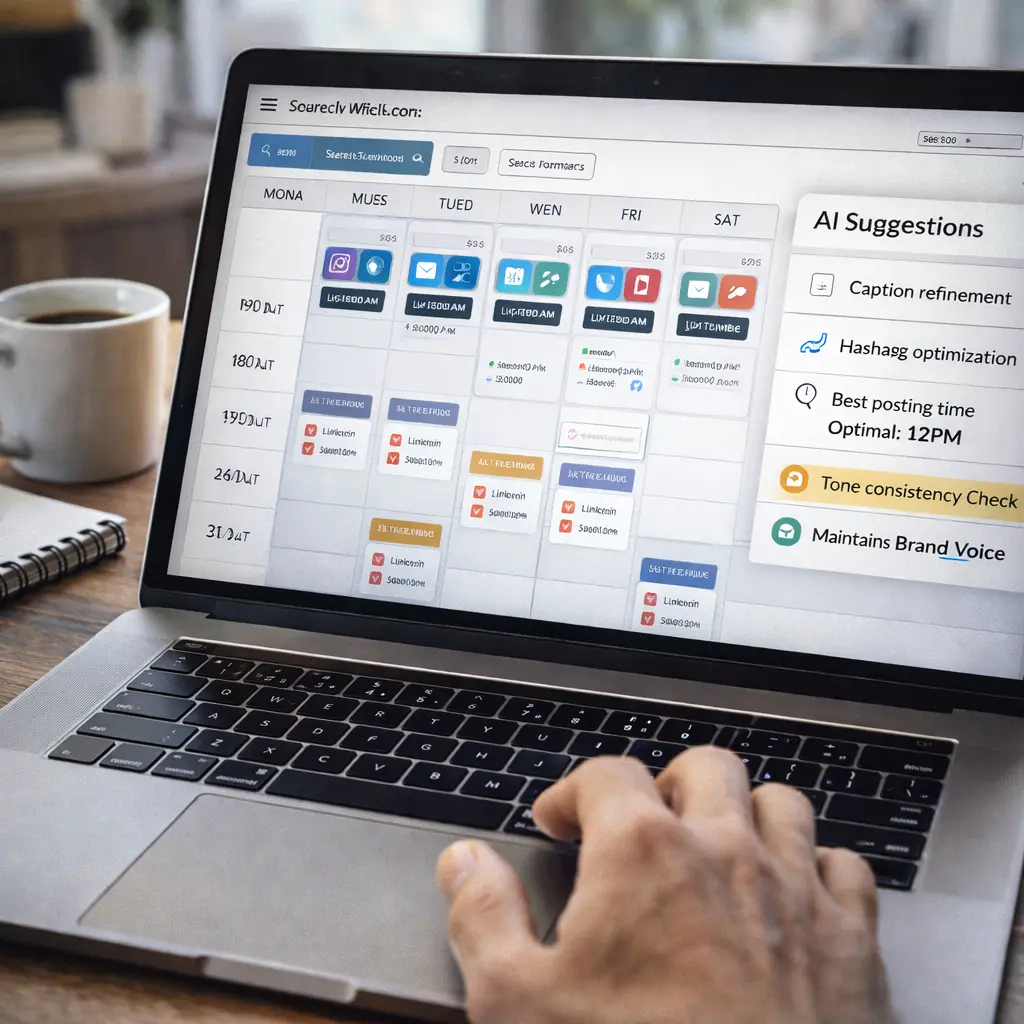
Here’s the exact workflow I use:
Step 1: Choose Your Tool (5 minutes)
Start with Buffer if you’re new. It’s free, simple, and teaches you automation basics. Once you outgrow it, upgrade to Vista Social or Hootsuite.
Step 2: Connect Your Accounts (10 minutes)
Link your social media accounts to your chosen tool. Most support OAuth, so you just click “Connect” and authorize access. Start with your top 2-3 platforms — don’t try to automate everything at once.
Step 3: Create a Content Calendar (30 minutes)
Decide your posting frequency:
- Daily: 7 posts per week per platform
- 3x per week: 12 posts per week across 4 platforms
- Weekly: 4 posts per week across 4 platforms
Plan a week’s worth of content in one sitting. Batch creation is more efficient than daily creation.
Step 4: Set Up Time Slots (10 minutes)
Use the AI’s timing suggestions or manually set slots based on when your audience is active:
- Instagram: 11 AM, 2 PM, 7 PM
- Twitter: 9 AM, 12 PM, 3 PM, 6 PM
- LinkedIn: 7 AM, 12 PM, 5 PM
The tool will automatically publish posts at these times.
Step 5: Load Your Content Queue (20 minutes)
Create or upload posts for the week. If using AI generation (Vista Social, Hootsuite), give it topics and let it draft posts. Review and edit to maintain your voice.
Step 6: Let It Run
Once scheduled, the automation handles everything. You’ll get notifications when posts publish and can check analytics weekly.
Total setup time: 75 minutes for one week of automated posting
Common Mistakes People Make (And How to Avoid Them)
Mistake 1: Over-automating and losing authenticity
The biggest mistake is automating everything and disappearing. Your audience notices when every post is scheduled and you never respond to comments in real-time.
Solution: Automate posting, but stay present for engagement. Check in twice daily to respond to comments and DMs. AI posts, humans engage.
Mistake 2: Using the same post across all platforms
Just because automation lets you post the same content everywhere doesn’t mean you should. Instagram loves visuals, LinkedIn wants professional context, Twitter needs brevity.
Solution: Use AI to adapt posts for each platform. Vista Social and Hootsuite do this automatically.
Mistake 3: Ignoring analytics
Automation without optimization is pointless. If you’re not checking what works, you’re just scheduling the same ineffective content faster.
Solution: Review analytics weekly. What post type performed best? What time got most engagement? Adjust your strategy accordingly.
Mistake 4: Setting it and forgetting it
Your automated content gets stale. Trends change, audiences evolve, old content becomes irrelevant.
Solution: Refresh your content queue monthly. Add new posts, remove outdated ones, update messaging.
How to Keep Your Brand Voice With AI Automation
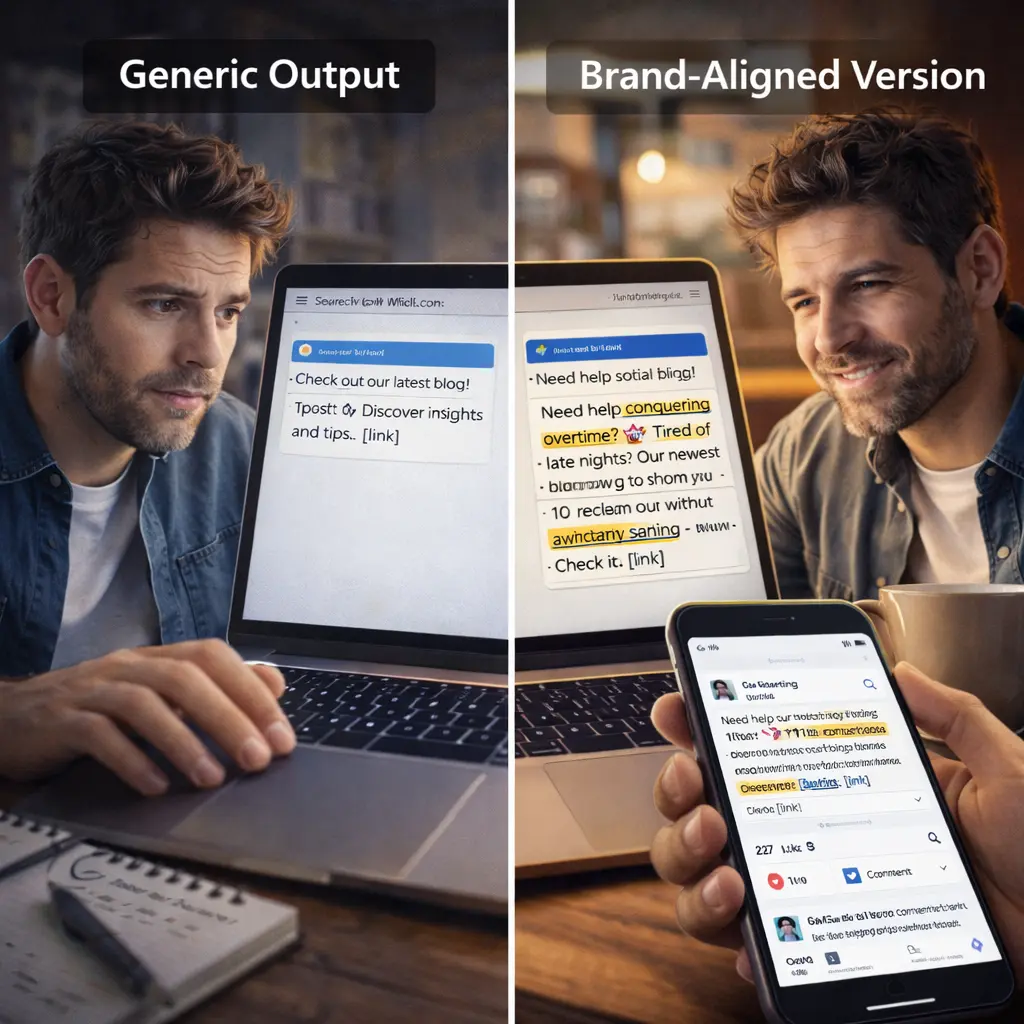
AI-generated content can sound generic if you don’t train it properly. Here’s how to maintain your voice:
1. Provide examples of your writing
Give the AI 5-10 examples of your best posts. It’ll learn your tone, humor, phrasing style, and replicate it.
2. Edit AI drafts before scheduling
Never publish AI-generated content as-is. Read it, tweak it, add personal touches. The AI gets you 80% there — you finish the last 20%.
3. Add personal stories and opinions
AI can’t replicate your unique experiences. Manually add anecdotes, personal insights, or hot takes that only you can write.
4. Use custom prompts
Instead of “write a post about AI tools,” say “write a casual, slightly funny LinkedIn post about AI tools for beginners who feel overwhelmed, include a personal anecdote about my first time using ChatGPT.”
5. Review before mass scheduling
Schedule a week at a time, not a month. This lets you adjust tone, respond to current events, and keep content fresh.
Real Results: What Changed When I Automated
Here’s what happened when I switched from manual to AI-automated posting:
Time savings:
- Before: 3 hours per week scheduling
- After: 20 minutes per week setting up automation
- Savings: 2.5 hours per week (130 hours per year)
Consistency:
- Before: Posted 3-4 times per week (missed days often)
- After: Posted 7 times per week (100% consistency)
- Result: Algorithm recognized consistency, reach increased
Engagement:
- Before: Average 50-80 interactions per week
- After: Average 150-200 interactions per week
- Increase: 140% boost in engagement
Mental load:
- Before: Constant stress about “Did I post today?”
- After: It’s handled, I focus on content quality
The biggest change wasn’t metrics — it was psychological. Automation removed the burden of remembering to post. I create when inspired, automation handles distribution.
What’s Working in 2026: Current Best Practices
The automation landscape evolves fast. Here’s what works now:
1. AI-powered storytelling
Tools like Vista Social can turn bullet points into engaging narratives. Give it data, it writes the story.
2. Video automation
Short-form video (Reels, Shorts, TikTok) can now be auto-generated from scripts using tools like InVideo AI integrated with scheduling tools.
3. Trend monitoring
AI tools monitor trending topics and suggest timely posts. Being early on trends drives massive engagement.
4. Personalized scheduling
Instead of posting at the same time daily, AI adjusts timing based on real-time audience behavior patterns.
5. Cross-platform repurposing
AI automatically converts long-form content (blogs, YouTube videos) into dozens of social posts.
Should You Automate Everything?
No. Automate the mechanical parts, stay human for the important parts.
Automate:
- Scheduled posts
- Cross-platform publishing
- Evergreen content recycling
- Performance analytics
- Hashtag research
Don’t automate:
- Responding to comments
- Engaging with your community
- Reacting to current events
- Customer service
- Controversial topics
The goal is to use AI to amplify your reach, not replace your presence.
Final Thoughts
Social media automation using AI isn’t about working less — it’s about working smarter. The time you save from mechanical posting gets invested in strategy, community building, and content creation.
Three years ago, I was stuck in the manual posting grind. Today, my social media runs itself while I focus on creating content that actually matters. That shift is possible for anyone willing to spend 75 minutes setting up automation.
Start small. Pick one tool (Buffer is free). Connect two platforms. Schedule one week of content. See how it feels.
You’ll never go back to manual posting.
Frequently Asked Questions
1.Is social media automation allowed on all platforms?
Yes, as long as you use official automation tools (like Hootsuite, Buffer) that comply with platform policies. Direct scraping or bot behavior is prohibited.
2.Will my audience know I’m using automation?
Not if you do it right. Automated posts should be indistinguishable from manual posts. The key is editing AI content and maintaining your voice.
3.How much does social media automation cost?
Free options exist (Buffer, Pallyy free tiers). Paid tools range from $6-$99/month depending on features and account limits.
4.Can I automate Instagram Stories and Reels?
Partially. You can schedule regular posts, but Stories and Reels have platform restrictions. Some tools support them with limitations
5.Do I still need to create content if I use AI?
Yes. AI assists with creation and handles distribution. You still provide the ideas, strategy, and final approval. AI amplifies, doesn’t replace.
6.What’s the best tool for complete beginners?
Buffer. Free, simple, no learning curve. Perfect for testing automation before committing to paid tools.
7.How often should I post on social media?
Depends on platform. Instagram: 3-7 times per week. Twitter: Daily or multiple times daily. LinkedIn: 2-5 times per week. Quality beats quantity.
8.Can automation improve my engagement?
Yes, by posting consistently at optimal times and using data-driven content strategies. But engagement also requires human interaction — responding to comments, participating in conversations