
I spent two hours staring at a blank Google Doc last year trying to write a 60-second video script. Every sentence I wrote felt forced. By the time I finished, I had wasted half my afternoon on something that should have taken 15 minutes. Then I discovered AI video script generators, and everything changed.best free aI video script generators
The first time I used one, I was skeptical. I typed “explain how AI helps small businesses save time” and hit generate. Thirty seconds later, I had a complete script — with a hook, three key points, and a call-to-action. It wasn’t perfect, but it was 80% there. I edited it for five minutes, recorded the video, and moved on with my day.
That’s what 2026 feels like for video creators. The tools available now don’t just save time — they remove the hardest part of video creation, which is starting. Writer’s block doesn’t exist anymore if you know which tools to use.
This article exists because I’ve tested every major free AI video script generator available in 2026, and most lists you’ll find online are outdated, incomplete, or written by people who’ve never actually used the tools. I’m sharing what actually works, what’s genuinely free, and which tools fit different types of creators.
Why This Topic Actually Matters
Video is no longer optional for creators, businesses, or anyone trying to reach an audience online. YouTube, TikTok, Instagram Reels, LinkedIn videos — every platform prioritizes video content in 2026. But here’s the problem: most people can write, but very few people can write for video.
Video scripts are different from regular writing. They need hooks that grab attention in the first three seconds. They need pacing that works when spoken out loud. They need structure that fits platform requirements — 15 seconds for TikTok, 60 seconds for Reels, 8-12 minutes for YouTube. Writing this way is a skill, and most people don’t have it.
AI video script generators solve this by automating the structure. You give them a topic, they generate a script optimized for engagement, pacing, and platform-specific formats. What used to take an hour now takes five minutes. That’s not hype — that’s the actual workflow in 2026.
The impact is measurable. Creators using AI script generators report publishing 3x more videos in the same amount of time because scripting is no longer their bottleneck. Businesses are producing consistent video content without hiring scriptwriters. Students and educators are creating instructional videos faster than ever.
The barrier isn’t access to these tools — most are free. The barrier is knowing which ones actually work and how to use them effectively. That’s what this guide fixes.
Who Should Care About This
If you’re a content creator who wants to make more videos but struggles with scripting — this is for you.
If you’re running a business and need to create marketing videos, explainer videos, or social media content but don’t have a scriptwriter on staff — this is for you.
If you’re an educator, trainer, or consultant who creates video content but finds the scripting process tedious and time-consuming — this is for you.
If you’re a beginner who wants to start making videos but feels overwhelmed by the idea of writing scripts from scratch — this is for you.
You don’t need video production experience. You don’t need writing expertise. You just need to know which AI script generators solve which problems and how to get the best results from them.
What Most Lists Get Wrong
Almost every “best AI video script generator” list makes the same mistakes.
The first mistake is listing tools that aren’t actually free. They’ll say “free to use” when what they mean is “free trial for three days, then you have to pay.” That’s misleading. The tools in this article are genuinely free for core features — you can generate scripts without paying.
The second mistake is treating all script generators like they do the same thing. They don’t. Some are designed for YouTube long-form content. Others specialize in short-form social media scripts. Some include AI voiceovers and video editing. Others just give you text. If you pick the wrong tool for your use case, you’ll be frustrated even though the tool works fine for someone else.
The third mistake is not explaining how to actually use the tools. Most lists just say “ChatGPT is great for scripts!” without telling you what prompts to use, how to structure your request, or how to edit the output to make it sound like you.
The biggest thing most guides miss: AI-generated scripts are starting points, not finished products. If you paste an AI script directly into your video without editing it, viewers will notice. It’ll sound generic and robotic. The smart workflow is AI generates the draft, you add your voice and personality, then you record. That’s how professional creators use these tools.
Deep Explanation: How AI Video Script Generators Actually Work
Here’s what happens when you use an AI video script generator.
You start by giving the AI a topic or prompt. This could be as simple as “create a YouTube video about AI tools for students” or as detailed as “write a 60-second TikTok script explaining why small businesses should use AI, with a hook in the first three seconds and a call-to-action at the end.”
The AI processes your prompt using large language models (like GPT-4, Claude, or Gemini) that have been trained on millions of scripts, video transcripts, and writing samples. It understands what makes a good video script — hooks, pacing, structure, calls-to-action — because it’s seen thousands of examples.
It then generates a complete script formatted for video. This includes:
- A hook (the first 3-5 seconds designed to grab attention)
- An introduction (what the video is about and why viewers should care)
- Body content (the main points, explained in order)
- A conclusion (summary and call-to-action)
Some generators also add timestamps, suggested B-roll descriptions, or notes on tone and pacing. The more advanced tools can even generate multiple versions so you can pick the best one.
Why this works:
Traditional writing is about paragraphs and flow. Video writing is about sound and timing. AI script generators are trained specifically on video content, so they know how to write scripts that work when spoken aloud. They avoid long sentences, use natural speech patterns, and structure information in bite-sized chunks that hold attention.
The free tier usually limits how many scripts you can generate per day or month, but it’s almost always enough for regular creators. Paid tiers remove limits and add features like team collaboration, voice cloning, or direct integration with video editing tools.
The 7 Best Free AI Video Script Generators (2026)
1. ChatGPT — The Most Versatile Option
What it does: ChatGPT (free version) can generate video scripts for any topic, platform, or format. You give it a prompt, it writes the script. You can ask it to revise, shorten, adjust tone, or rewrite specific sections — all through conversation.
Why it’s useful: ChatGPT is the most flexible tool on this list. It doesn’t lock you into templates or specific platforms. If you need a YouTube script, a TikTok hook, or a 30-second product demo, it handles all of them. The conversational interface means you can refine the script by simply asking “make it funnier” or “add more data points.”
Free tier: Unlimited script generation with GPT-3.5. GPT-4 requires ChatGPT Plus ($20/month).
Best for: Creators who want maximum control, versatility, and the ability to iterate quickly through conversation.
Personal take: This is the tool I use most often. The free version is more than good enough for scripting. I typically give it a prompt, review the output, ask for adjustments, and within 2-3 exchanges I have a script ready to record.
How to use it effectively: Be specific in your prompt. Instead of “write a video script about AI,” say “write a 90-second YouTube video script about AI tools for students, with a hook that addresses common struggles, three specific tool recommendations, and a call-to-action to subscribe.”
2. Microsoft Copilot (Bing Chat) — Best for Current Events and Research
What it does: Copilot (formerly Bing Chat) generates scripts using GPT-4 for free and has access to the live internet. This means it can research current events, pull recent data, and cite sources when writing your script.
Why it’s useful: If your video script needs up-to-date information — recent news, trending topics, current statistics — Copilot can research and write simultaneously. It also includes DALL-E 3 for generating images, so you can create script and visual concepts in one place.
Free tier: Completely free with GPT-4. Works best in Microsoft Edge browser.
Best for: News commentary, trending topic videos, educational content that requires recent data.
Personal take: Copilot is underrated. The fact that it gives you GPT-4 for free and can research while writing makes it more powerful than ChatGPT’s free tier for certain use cases.
3. VEED.IO AI Script Generator — Social Media Specialist
What it does: VEED’s script generator creates scripts optimized for TikTok, Instagram Reels, YouTube Shorts, and other short-form platforms. You enter a topic, select your platform and audience, and it generates a script formatted for that specific use case.
Why it’s useful: VEED understands platform-specific requirements. A TikTok script needs a hook in 3 seconds. A YouTube intro can take 10-15 seconds. VEED structures scripts accordingly. It also integrates with VEED’s video editor, so you can generate the script and create the video in the same platform.
Free tier: Unlimited script generation. Video editing features have free and paid tiers.
Best for: Social media creators, influencers, anyone making short-form content.
Personal take: If you’re primarily creating content for TikTok or Reels, VEED is the most purpose-built tool on this list.
4. InVideo AI — Text-to-Video with Script Generation
What it does: InVideo AI doesn’t just generate scripts — it creates complete videos from your prompts. You describe what you want, it writes the script, finds stock footage, adds voiceover, syncs captions, and exports a finished video.
Why it’s useful: This is an all-in-one solution. You’re not just getting a script — you’re getting a publish-ready video. Perfect for creators who want to automate the entire production process.
Free tier: 10 minutes of AI-generated video per week. Videos include a watermark on the free plan.
Best for: Faceless YouTube channels, explainer videos, educational content, marketing videos.
Personal take: InVideo AI is the closest thing to “one-click video creation” that actually works. The scripts it generates are solid, and the fact that it handles video production too is a huge time saver.
5. Writesonic — Clean, Structured Scripts Fast
What it does: Writesonic is an AI writing tool with a dedicated video script generator. You input your topic, set tone and length, and it generates a full script with intro, body, and conclusion structured clearly.
Why it’s useful: Writesonic produces clean, well-organized scripts that are easy to read and record. It’s particularly good at maintaining a consistent tone throughout the script.
Free tier: Completely free with unlimited basic features.
Best for: YouTube videos, tutorials, product demos, professional explainer videos.
Personal take: Writesonic is underrated for video scripting. It’s not as conversational as ChatGPT, but the scripts it produces are cleaner and more structured out of the box.
6. vidIQ AI Coach — YouTube-Specific Script Generator
What it does: vidIQ’s AI Coach generates complete YouTube video scripts along with title, description, thumbnail prompt, and optional voiceover. It’s designed specifically for YouTube creators and optimizes scripts for retention and engagement.
Why it’s useful: This is built for YouTube. It understands what makes videos perform well on the platform — hooks that keep viewers watching, pacing that reduces drop-off, structures that encourage likes and comments.
Free tier: Free to use with vidIQ account.
Best for: YouTube creators, particularly those focused on education, tutorials, or commentary.
Personal take: If you’re only making YouTube videos, vidIQ is worth trying because it handles the entire upload package — not just the script.
7. Rytr — Simple and Fast for Beginners
What it does: Rytr is a lightweight AI writing tool with a video script template. You enter a topic, pick a tone (casual, professional, funny), and it generates a script in seconds.
Why it’s useful: Rytr is the simplest tool on this list. No complicated menus, no feature overload. You tell it what you want, it gives you a script. Perfect for beginners who feel overwhelmed by more complex tools.
Free tier: 10,000 characters per month for free (roughly 5-7 scripts depending on length).
Best for: Beginners, casual creators, anyone who wants fast results without a learning curve.
Personal take: Rytr is what I recommend to people who are just starting out and need something simple that works immediately.
Comparison Table: Which Tool for Which Use Case?
| Use Case | Best Tool | Why |
|---|---|---|
| Maximum flexibility and control | ChatGPT | Conversational interface, unlimited iterations |
| Scripts with current data | Microsoft Copilot | Live internet access, GPT-4 free |
| Short-form social media | VEED.IO | Platform-specific optimization |
| Full video production | InVideo AI | Script + complete video in one tool |
| Clean, professional scripts | Writesonic | Well-structured, consistent tone |
| YouTube-only content | vidIQ AI Coach | YouTube-optimized with upload assets |
| Absolute beginners | Rytr | Simplest interface, fastest results |
Real-World Impact: What Changes When You Use AI Script Generators
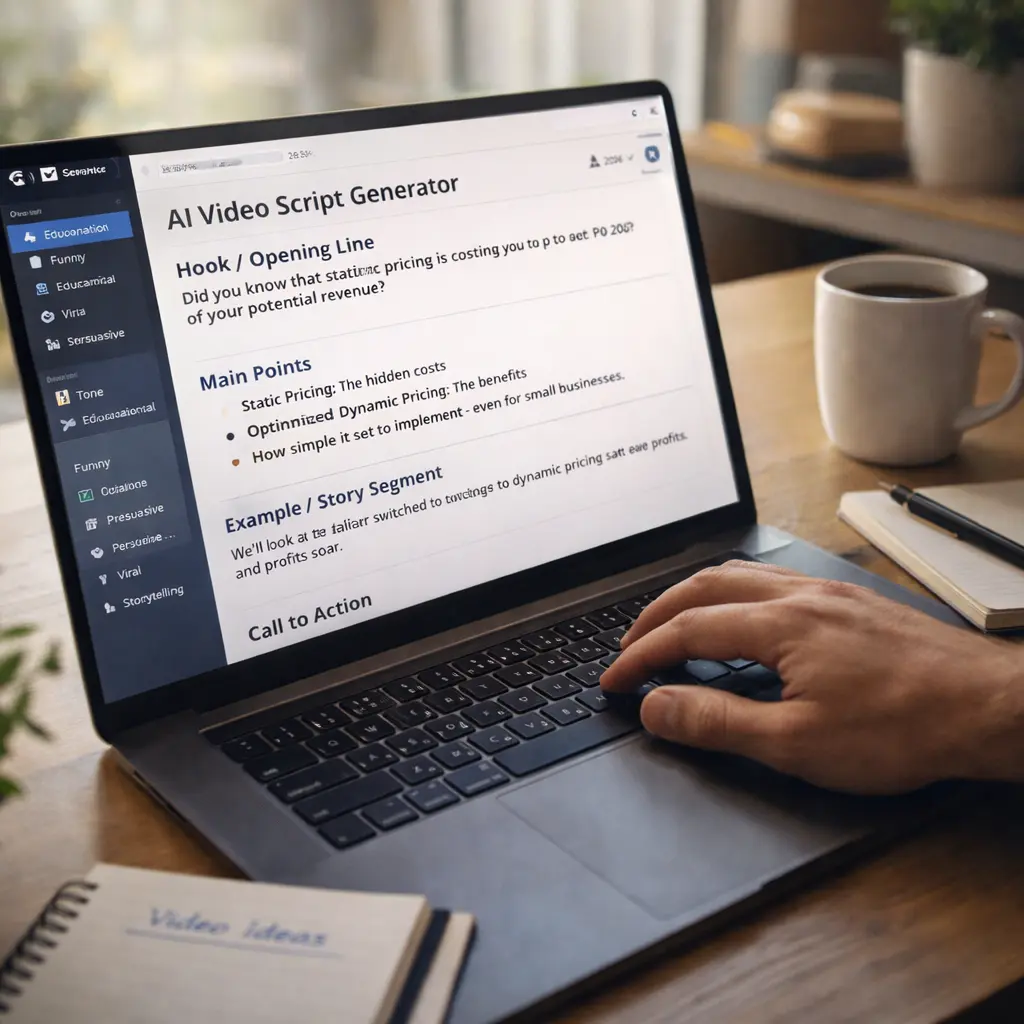
The time savings are dramatic. Creators report cutting script writing time from 1-2 hours down to 10-15 minutes. That’s an 85-90% reduction.
But speed isn’t the only benefit. Consistency becomes easier. When you can generate a script in minutes, you’re more likely to publish regularly. The YouTube algorithm rewards consistency — weekly uploads perform better than sporadic posts. AI removes the biggest barrier to consistency.
There’s also an experimentation advantage. When scripting is fast and free, you test more ideas. You try different hooks, formats, and topics because the cost of failure is low. That experimentation is how creators discover what resonates with their audience.
For businesses specifically, AI script generators remove the need to hire scriptwriters for routine video content. Internal training videos, product demos, social media content — all of this can be scripted in-house without specialized writing skills.
The growth metrics support this. Creators using AI script tools report 30-40% faster channel growth compared to manual workflows, primarily because they’re able to publish more frequently and maintain quality.
Key Facts About AI Video Script Generators in 2026
Video content accounts for 82% of all internet traffic in 2026, making video scripting skills more valuable than ever.
Free AI script generators are sufficient for 90% of creators — paid upgrades are only necessary for teams, agencies, or high-volume commercial use.
AI-generated scripts are not penalized by YouTube, TikTok, or any major platform as long as the final video provides value and follows community guidelines.
The average AI-generated script requires 5-10 minutes of human editing to sound natural and personalized.
Over 60% of professional YouTubers report using AI tools for at least part of their scripting process as of early 2026.
Expert Perspective: The Balanced View
AI script generators are powerful, but they’re not replacements for your voice or judgment.
The mistake many creators make is using AI-generated scripts word-for-word without adding any personality. The result is content that sounds generic and forgettable. Viewers can tell when something feels automated.
The smart approach is to use AI for structure and speed, then edit the script to add your personal stories, examples, humor, and perspective. That combination — AI efficiency plus human personality — is what produces the best results.
There’s also a strategic consideration. AI can write a script, but it can’t tell you which topics to make videos about. That’s still your job. Research trends in your niche, understand your audience, pick topics strategically, and then use AI to handle the execution.
Future Outlook: What’s Coming in 2026 and Beyond
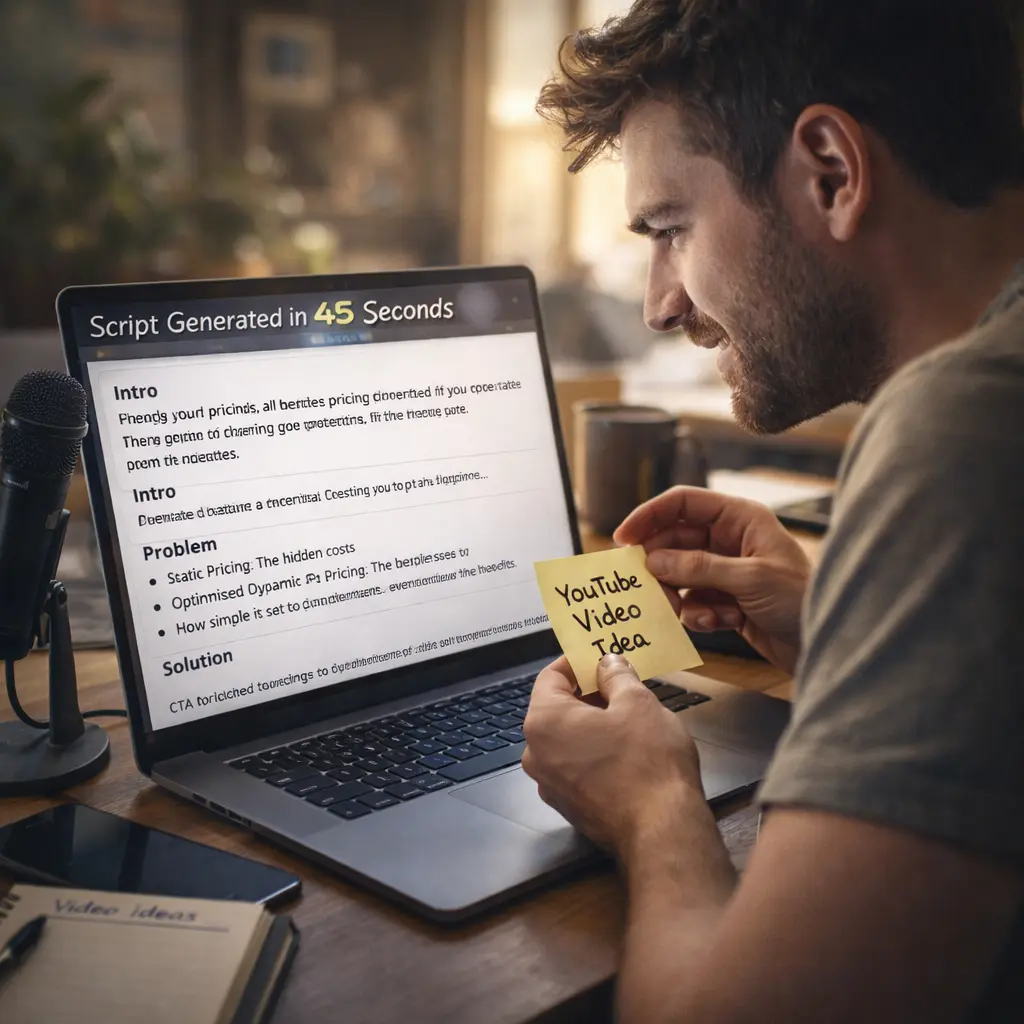
AI script generators will become more personalized. Current tools generate generic scripts. Future versions will learn your style, tone, and preferences over time, producing scripts that already sound like you.
Voice integration is coming. Instead of typing prompts, you’ll be able to describe your video idea verbally, and the AI will generate a script from your spoken input.
Multi-modal generation is the next phase. You’ll describe a video concept, and the AI will generate the script, storyboard, suggested visuals, voiceover, and video simultaneously — all from a single prompt.
For creators, this means the gap between idea and published content will shrink to nearly zero. The limiting factor won’t be production skills — it’ll be creativity and audience understanding.
Final Takeaway for Beginners
Don’t try all seven tools at once. Pick one based on your situation:
- General use? Start with ChatGPT.
- Social media focus? Start with VEED.IO.
- YouTube only? Start with vidIQ.
- Want video + script? Start with InVideo AI.
Use it to write 3-5 scripts. See if it fits your workflow. If it saves time and feels natural, keep using it. If not, try a different tool.
The goal isn’t to automate your entire creative process. It’s to remove the friction that stops you from creating consistently. AI script generators in 2026 are good enough to do that. Use them.
Frequently Asked Questions
1.Are AI-generated scripts allowed on YouTube and other platforms?
Yes. YouTube, TikTok, Instagram, and other platforms don’t penalize AI-generated scripts. What matters is whether your final video provides value and follows community guidelines.
2.Do I need to edit AI-generated scripts?
Yes, for best results. AI scripts are strong foundations, but they sound generic without personalization. Add your own examples, humor, and perspective to make the script yours.
3.Can AI write scripts for any video topic?
Yes, but quality varies. AI handles educational, explanatory, and tutorial content very well. It’s less effective for highly personal storytelling or niche technical content.
4.How long does it take to generate a script?
Most tools generate a complete script in 10-60 seconds. Editing the script to match your voice takes an additional 5-15 minutes.
5.Will AI-generated scripts sound robotic?
Only if you don’t edit them. Raw AI output can sound generic, but with light editing to add personality and specific examples, the final script sounds natural.
6.Do free AI script generators have watermarks?
No. Script generators produce text, not videos. There’s nothing to watermark. Video editors may add watermarks, but that’s separate
7.What’s the best AI tool for absolute beginners?
Rytr or ChatGPT. Both are simple, free, and produce usable scripts with minimal learning curve.
8.Can I use AI scripts for commercial videos?
Yes. All tools on this list allow commercial use of generated scripts. Check individual terms of service to confirm.