
I built my first website in 2023. It took me three weeks, maybe fifteen YouTube tutorials, and at least two moments where I genuinely considered giving up and just paying someone to do it. The problem wasn’t that I couldn’t code — I could, technically. The problem was that building a website involved so many moving parts that the entire process felt overwhelming. how to use AI to build a website without coding
Fast forward to 2026, and I watched someone with zero technical background build a fully functional business website in under an hour using AI. Not a placeholder site. Not a half-finished project. A real, professional website that looked like someone paid a designer for it.
That’s the shift that’s happened. AI website builders have removed almost every technical barrier that used to exist between having an idea and having a live website. And this article exists because I think a lot of people still don’t realize how accessible this has become — or how to actually do it the right way.
Why This Topic Actually Matters
The internet runs on websites. If you’re a freelancer, a small business owner, a student with a portfolio to build, or someone with an idea they want to test — you need a website. That’s not optional anymore.
But here’s the reality: most people don’t have the time, money, or technical skill to build one the traditional way. Hiring a developer costs anywhere from $2,000 to $10,000 depending on complexity. Learning to code takes months. DIY website builders like WordPress still require a learning curve that many people don’t have patience for.
AI website builders solve this. Not partially — fully. You describe what you want in plain language, the AI generates a working website in minutes, and you customize it visually without touching a single line of code.
This matters because it changes who gets to participate. A student can launch a portfolio site in an afternoon. A local bakery can have an online presence by evening. A consultant can test a landing page without burning a weekend. The barrier is gone.
Who Should Care About This
If you’ve been putting off building a website because you think it’s too technical — this is for you.
If you’re a small business owner who needs an online presence but doesn’t have the budget for a developer — this is for you.
If you’re a student building a portfolio and want something that looks professional without needing design skills — this is for you.
If you’re someone who tried WordPress or Wix in the past and got frustrated halfway through — this is for you.
You don’t need to be technical. You don’t need design experience. You need a laptop, a clear idea of what you want, and maybe an hour of focused time. That’s it.
What Most Guides Get Wrong About AI Website Builders
Almost every article on this topic either oversells or undersells what AI website builders can do.
The ones that oversell will tell you that you can build a “perfect website in 30 seconds” by just typing a sentence. That’s misleading. Yes, the AI generates a website in 30 seconds — but that website is a starting point, not a finished product. You still need to customize content, add your branding, adjust layouts, and make it yours.
The ones that undersell will treat AI website builders like they’re just fancy templates — glorified drag-and-drop tools with a chatbot attached. That’s also wrong. The AI in these platforms is doing actual intelligent work: generating layouts based on your industry, writing initial copy, suggesting design choices, optimizing for mobile, and in some cases even handling SEO automatically.
The truth is somewhere in the middle. AI website builders are genuinely powerful and genuinely easy to use. But they work best when you understand what they’re good at and where you still need to make decisions. They handle the technical complexity. You provide the direction and personalization.
That’s the balance most guides skip.
Deep Explanation: What AI Website Builders Actually Do
Here’s what happens under the hood when you use an AI website builder.
You start by answering a few questions — usually things like: What type of business are you? What’s your business name? What do you want your website to do? Sometimes the AI will ask for a description of your brand or your target audience.
The AI then analyzes your answers and uses machine learning algorithms to generate a website layout, content structure, and design based on patterns it has learned from thousands of existing websites in your industry. It’s not pulling a template off a shelf. It’s dynamically creating a site that fits your specific input.
In 2026, the better AI website builders can also generate content — meaning the AI writes the actual text for your homepage, about page, and service descriptions based on what you told it. It builds the layout, writes the content, and generates images for your website. Some tools even create placeholder images or suggest stock photos that fit your brand.
Once the initial site is generated, you’re dropped into a visual editor where you can change anything you want — colors, fonts, images, text, layout structure. No coding required. It’s all drag-and-drop or click-to-edit.
When you’re happy with it, you publish. The AI builder handles hosting, makes sure the site is mobile-responsive, and in many cases sets up basic SEO automatically.
That’s the full process. What used to take weeks now happens in an afternoon.
Step-by-Step: How to Build a Website Using AI (No Coding)
Step 1: Choose the Right AI Website Builder
Not all AI website builders are the same. Some are better for simple landing pages, others are better for ecommerce, and some handle complex multi-page sites.
Here’s a quick decision guide:
For beginners who want the simplest option: Durable or 10Web. Durable can generate a website in 30 seconds by asking just three questions about your business. It’s fast, clean, and requires almost zero input.
For small businesses and freelancers: Wix ADI or Hostinger AI Builder. Wix’s ADI (Artificial Design Intelligence) generates complete sites from a few questions and gives you a lot of customization control afterward.
For design-focused users: Framer or Webflow. Framer is popular for design-first AI websites, perfect for creatives and startups needing polished visuals. It gives you more creative freedom but has a slightly steeper learning curve.
For ecommerce: Appy Pie AI or Wix. Both have strong support for online stores, payment integrations, and product pages.
Pick one and sign up. Most of these platforms have free trials or free plans with limited features. Start there.
Step 2: Answer the AI’s Questions
Once you’re in the builder, the AI will ask you a series of questions to understand what kind of website you need.
Typical questions include:
- What type of website are you building? (business site, portfolio, blog, online store, etc.)
- What’s your business or project name?
- What industry are you in?
- Who is your target audience?
- What’s the main goal of your website? (get leads, sell products, showcase work, share information)
Be specific here. The AI generates your website layout, pages, navigation, and content structure based on your description. The more detail you give, the better the initial output will be.
For example:
- Instead of “I need a business website” → Say “I run a freelance graphic design business targeting small businesses in India, and I need a portfolio site with a contact form.”
That extra detail helps the AI make better design and content decisions.
Step 3: Review the Generated Website
The AI generates a full website instantly — sometimes in less than 60 seconds. You’ll see a working site with a homepage, about page, services or product pages, and a contact section.
At this stage, don’t expect perfection. The AI gives you a solid starting point, not a finished product. Look at it like a first draft that you’re going to refine.
Check:
- Does the overall layout make sense for your purpose?
- Is the tone of the written content close to what you want?
- Are the colors and design aesthetic in the right direction?
If the AI completely missed the mark — which happens occasionally — you can usually regenerate the site with different inputs or switch to a different template as a base.
Step 4: Customize Content and Design
This is where you make the website yours.
Most AI website builders have a visual editor where you can click on any element — text, images, buttons, sections — and edit it directly.
Key things to customize:
Text and Copy: The AI-generated text is usually generic. Replace it with your actual business description, services, pricing, team information, and contact details. Write in your own voice.
Images: The AI may have added placeholder images or stock photos. Replace these with your own photos, product images, or high-quality stock images that actually represent your brand.
Colors and Fonts: Change the color scheme to match your brand. Most builders let you set a primary color and the AI adjusts the rest of the design automatically.
Layout: Rearrange sections if needed. Most builders let you drag and drop entire blocks — so if you want your testimonials section above your services section, just drag it.
This step takes the most time — maybe 30 minutes to an hour depending on how much content you have. But it’s still way faster than building from scratch.
Step 5: Add Essential Pages
Make sure your website has these core pages:
- Homepage — Clear headline, what you do, and a call to action
- About — Who you are, your story, why people should trust you
- Services or Products — What you’re offering
- Contact — Email, phone, contact form, or booking link
The AI usually generates these automatically, but double-check that they all exist and have actual content.
Step 6: Optimize for SEO
The WebWave AI Website Builder automatically optimizes your website for both search engines and mobile viewing. But you should still manually check a few things:
- Page titles: Make sure each page has a descriptive title with relevant keywords
- Meta descriptions: Write a short summary (150-160 characters) for each page that will show up in Google search results
- Alt text for images: Add descriptions to all images so search engines can understand them
- URL structure: Make sure page URLs are clean and readable (e.g., yoursite.com/about instead of yoursite.com/page-2)
Most AI builders have an SEO settings panel where you can edit these without touching code.
Step 7: Connect a Domain and Publish
You can connect an existing domain or purchase a new one during publishing.
If you already own a domain (e.g., yourbusiness.com), you can connect it through the builder’s settings. The platform will walk you through updating DNS records — it sounds technical but most builders have step-by-step guides.
If you don’t have a domain, you can buy one directly through the platform. Domains usually cost $10-15 per year.
Once the domain is connected, hit publish. Your website goes live. That’s it.
Real-World Implications
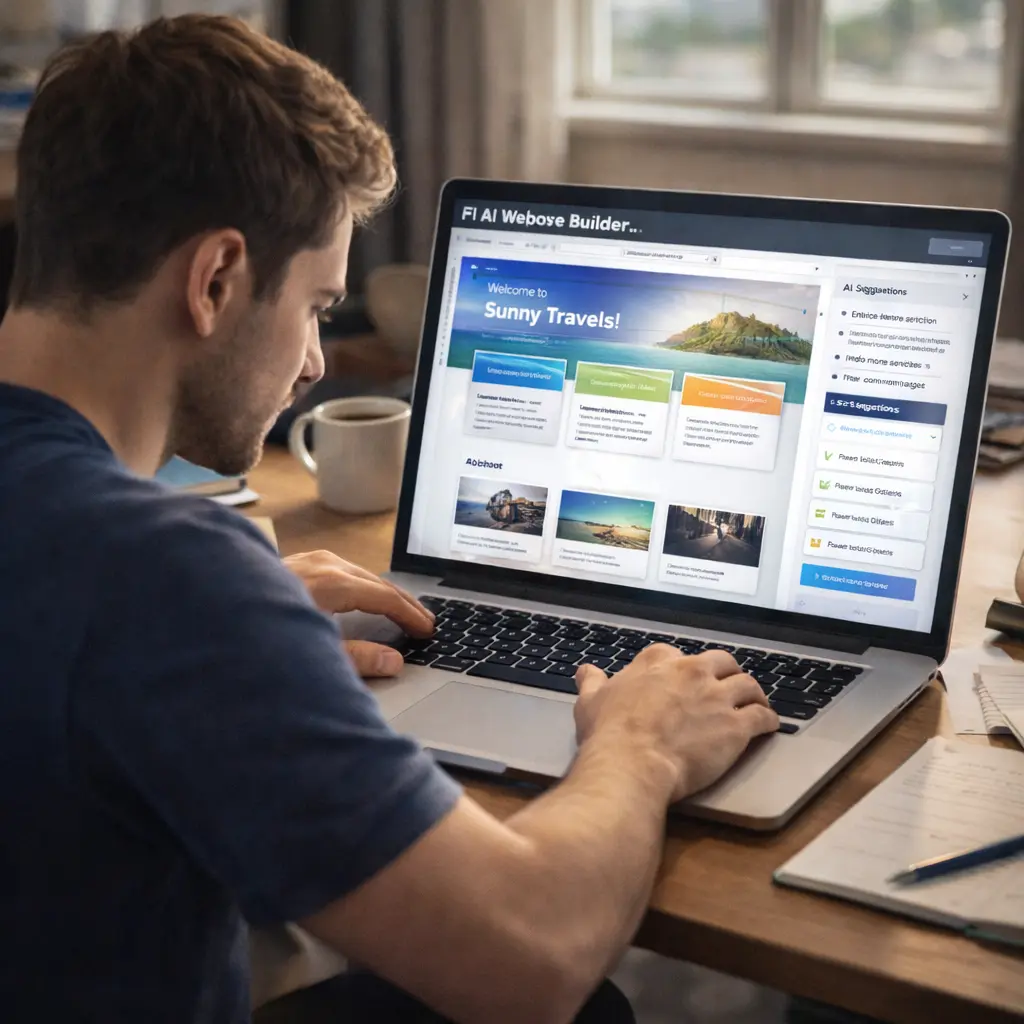
The shift to AI-powered website building has real consequences for how people launch businesses and projects.
Instead of hiring developers or spending weeks learning programming, users can describe their goals in plain language, and AI takes care of the rest. That’s not hype — that’s what’s actually happening.
The practical impact is measurable. A freelancer who would have spent $3,000 hiring a developer now spends $0 to $20 per month on an AI builder subscription. A startup that would have delayed launch by two months waiting for a website can now go live in a weekend.
There’s also a confidence element. People who felt blocked by technology now feel capable. That psychological shift matters more than it sounds like it would.
The downside — and this is worth naming — is that because building a website is now so easy, the internet is getting more crowded. Standing out requires more than just having a site. You need good content, clear messaging, and actual value. The AI handles the technical part. You still have to handle the strategic part.
Comparison of Top AI Website Builders
| Platform | Best For | Free Plan | Time to Build | Ease of Use |
|---|---|---|---|---|
| Durable | Absolute beginners | Yes (limited) | 30 seconds | Very Easy |
| 10Web AI | Small businesses | 7-day trial | 1-5 minutes | Easy |
| Wix ADI | Freelancers, portfolios | Yes | 3-5 minutes | Easy |
| Hostinger AI | Budget-conscious users | 30-day guarantee | 2-3 minutes | Easy |
| Framer | Designers, creatives | Yes (limited) | 5-10 minutes | Moderate |
| Appy Pie AI | Ecommerce, multi-purpose | Yes (limited) | 3-5 minutes | Easy |
The table shows options. The explanation clarifies when to use each.
Durable is the fastest option. It generates websites in 30 seconds but gives you less creative control than other platforms.
Wix ADI is the most popular. It balances ease of use with customization options. Good choice if you’re not sure where to start.
Framer is for people who care deeply about design aesthetics. It requires more effort to learn but produces the most polished results.
Appy Pie AI is strong for multi-purpose sites and has good support for Indian users.
Key Facts Worth Knowing
Creating a website with AI takes just a few minutes — sometimes even less than 60 seconds for the initial generation. Customization time varies based on how much content you need to add.
All AI-generated websites are responsive across mobile, tablet, and desktop devices automatically. You don’t need to design separate mobile versions.
Most AI website builders include hosting in their subscription. You don’t need to buy separate web hosting or figure out how to deploy a site.
You retain full ownership of your website content, branding, and domain. If you decide to switch platforms later, you own your content.
Expert Perspective: The Honest View
AI website builders are legitimately impressive technology. But they’re not magic.
The output quality depends heavily on the input quality. If you give the AI vague, unclear instructions, you get a vague, generic website. If you provide specific details about your business, audience, and goals, you get something much closer to what you actually need.
The other limitation is creative uniqueness. AI website builders are trained on existing websites, which means they’re good at producing sites that look professional and follow current design conventions. They’re less good at producing something radically different or creatively unique. If you want a website that breaks design rules in interesting ways, you’ll need a human designer.
For 90% of use cases — business websites, portfolios, landing pages, online stores — AI builders are more than good enough. For the remaining 10% where design is a competitive differentiator or brand expression is critical, you might still want a custom-built site.
The smart approach is to use AI for speed and efficiency, but add your own judgment, content, and personality on top of what the AI generates.
Future Outlook: Next 3 to 5 Years
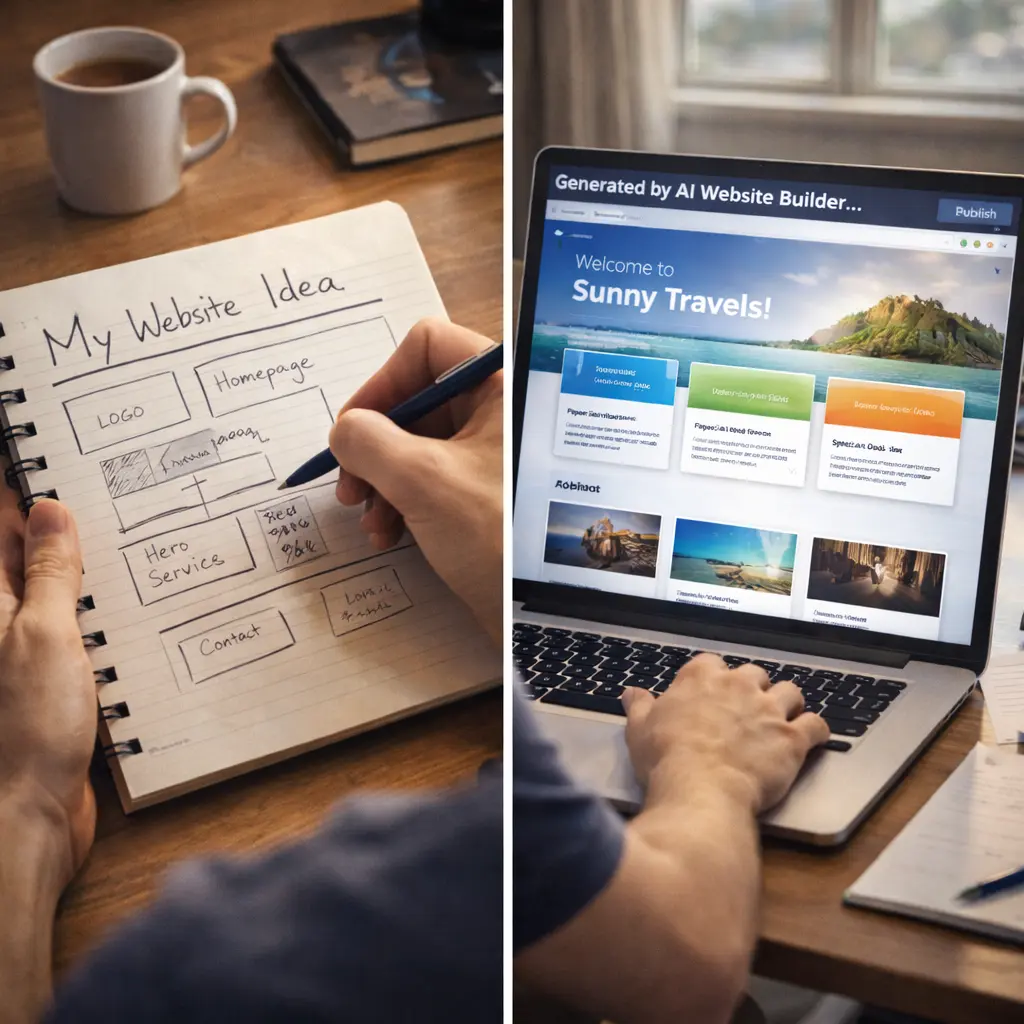
AI website builders will get better at understanding context and intent. Right now, you need to explicitly tell the AI what kind of business you run. In 2-3 years, the AI will likely be able to infer that from less structured input — or even by analyzing your social media or existing content.
We’ll also see more AI-powered ongoing optimization. Right now, the AI builds your site once and then you manually update it. Future versions will likely offer suggestions like “your homepage bounce rate is high — here’s a layout change that might help” or “this blog post could rank better if you adjusted your headlines.”
The line between website builder and website manager will blur. The AI won’t just create your site — it will help you run it, update it, and improve it over time.
For users, this means the skill of “building a website” becomes less valuable, and the skill of “knowing what you want your website to do” becomes more valuable. Strategy matters more than execution.
Final Takeaway for Beginners
If you’ve been putting off building a website because you thought it required technical skills — you were right in 2020. You’re wrong in 2026.
Pick one AI website builder. Answer its questions honestly and specifically. Spend an hour customizing the output. Publish it.
Your first website won’t be perfect. That’s fine. Websites are never finished — they’re always evolving. The important thing is to start.
The barrier isn’t technical anymore. The barrier is just deciding to actually do it.
1.Do I really need zero coding knowledge?
Yes. AI website builders are designed for people with no technical background. Everything is visual and click-based. You won’t see a single line of code unless you specifically choose to view it.
2.How much does it cost?
Most AI website builders have free plans with limited features. Paid plans range from $5 to $30 per month depending on features. This includes hosting, so you don’t pay separately for that. Domain names cost extra ($10-15 per year).
3.Can I sell products on an AI-built website?
Yes. Platforms like Wix, Appy Pie AI, and 10Web support ecommerce features including product listings, shopping carts, and payment integration. You’ll need a paid plan for ecommerce functionality.
4.Will my website look unique or generic?
It depends on how much you customize. The initial AI-generated site will look somewhat generic because it’s based on design patterns. But once you add your own images, adjust colors, edit text, and personalize the layout, it becomes much more unique.
5. Can I switch to a different platform later?
You retain full ownership of your website content. You can export your content and move to another platform, though you’ll need to rebuild the design. Some platforms make this easier than others.
6.Is an AI-built website good for SEO?
Yes, if you optimize it. AI builders handle technical SEO automatically (mobile responsiveness, page speed, clean URLs). You still need to add good content, relevant keywords, and proper meta descriptions for Google to rank your site.
7.How long does it take from start to finish?
If you have all your content ready (text, images, logo), you can build and publish a basic website in 1-2 hours. If you need to create content as you go, it might take a few sessions spread over a couple of days.
8.Can I add a blog or update content later?
Yes. All AI website builders let you add new pages, create blog posts, and update existing content anytime. The interface is designed to be beginner-friendly for ongoing updates.