

Summary
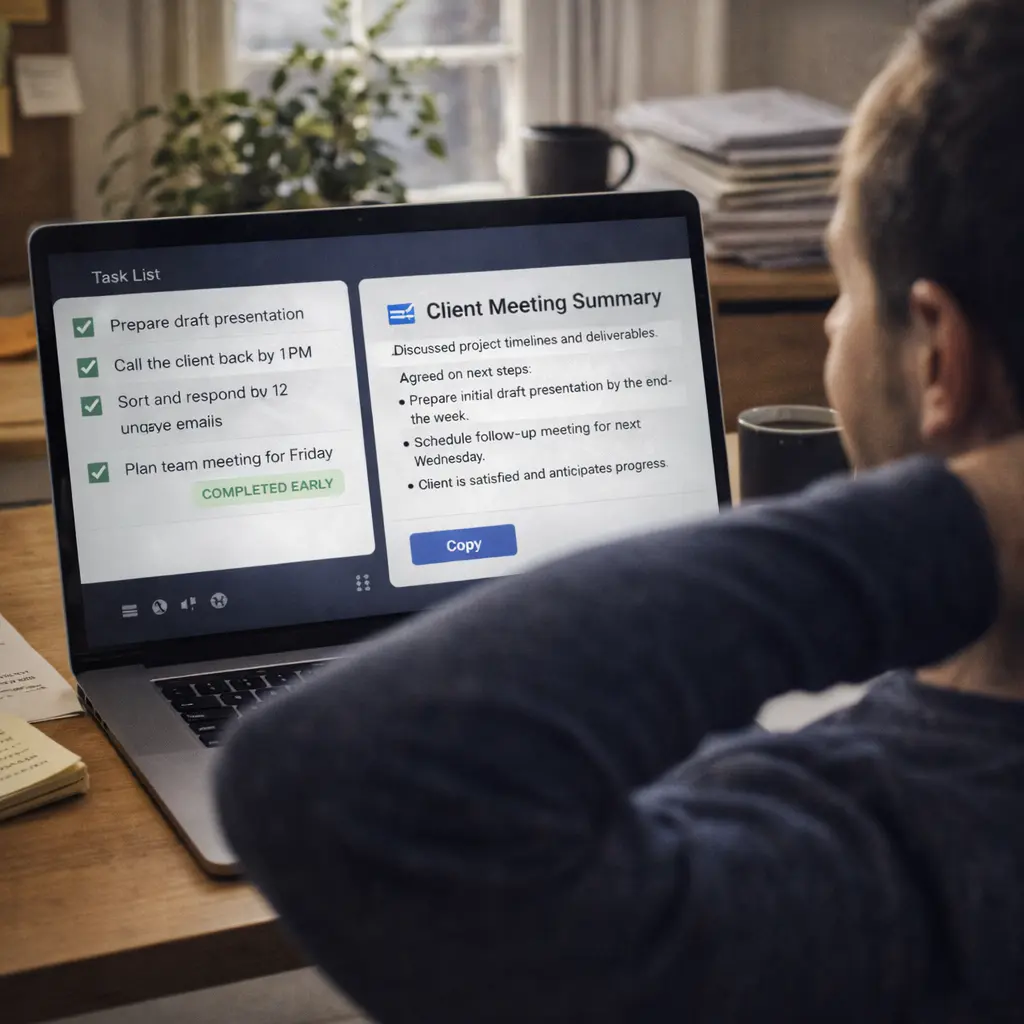
Free AI tools can genuinely save time when they remove repetitive effort like drafting, summarizing, organizing, or basic design.best free AI tools
They will not run a business for you.
But they can help you finish work in minutes that earlier took hours.
The smartest approach is simple:
use them as assistants, not replacements for thinking.
Why this matters for real people
Time is expensive.
Students rush assignments.
Freelancers juggle clients.
Office workers drown in email.
Creators fight deadlines.
If a free tool can cut even 30 minutes daily, that becomes hundreds of hours yearly.
Less stress. Faster output. More opportunities.
But beginners often waste time trying too many tools instead of choosing the right ones.
So clarity matters more than quantity.
Who should consider this
Beginners
You want help starting tasks you feel stuck on.
Professionals
You want productivity without new hires.
Business owners
You want low-cost efficiency.
Creators
You want speed while keeping quality.
What problem this actually solves
Most digital work has friction.
Blank page.
Long documents.
Formatting issues.
Rewriting messages.
AI reduces starting resistance.
Instead of thinking from zero, you improve something that already exists.
That small shift changes productivity dramatically.
Deep explanation in simple words
Imagine cooking.
Cutting vegetables takes time.
If someone prepares them for you, cooking becomes easier.
AI is that helper.
You still decide taste and presentation.
Important mindset
The tool creates options.
You select what fits.
Control stays with you.
Useful free AI tools people rely on
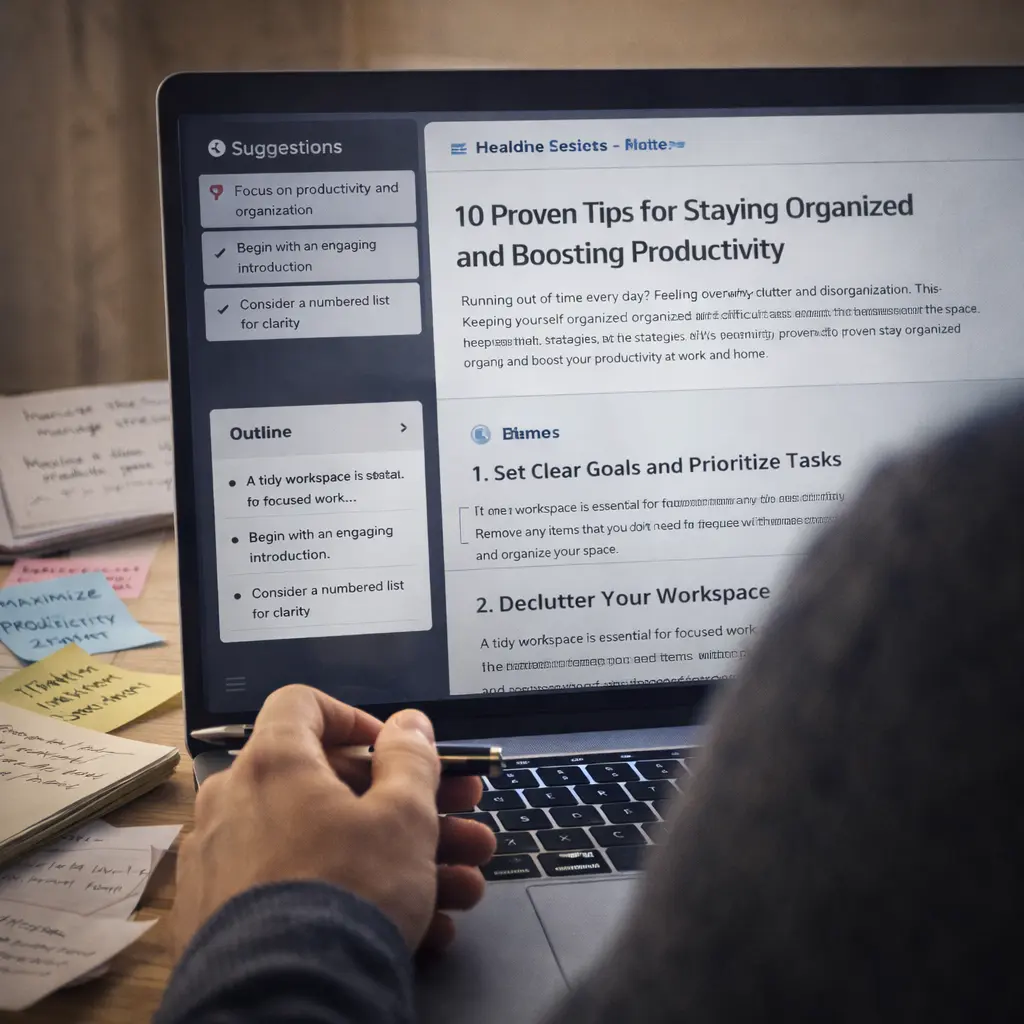
Let’s discuss categories that consistently save beginners time.
Writing & brainstorming – ChatGPT
Great for:
- first drafts
- outlines
- rewriting
- explaining topics
Saves time when you are unsure how to begin.
Research & quick answers – Perplexity
Useful for:
- summaries
- finding references
- understanding unfamiliar topics
Faster than manual searching.
Everyday productivity – Microsoft Copilot
Helps with:
- document drafts
- email summaries
- organizing information
Particularly strong for office users.
Visual & design support – Canva
Good for:
- presentations
- social posts
- quick layouts
Reduces technical barriers.
Practical use cases
Student
Turn rough notes into structured answers.
Freelancer
Prepare proposals faster.
Office worker
Summarize long threads.
Creator
Generate ideas when stuck.
The time saving compounds.
Where it does NOT help / limitations
Crucial for trust.
Free tools may:
- have usage limits
- give generic output
- make mistakes
- require editing
They support speed, not perfection.
Also, they do not build reputation.
Only consistent quality does.
Cost, effort or skill expectation
Money
Mostly free tiers. Paid upgrades optional.
Effort
Learning how to ask clearly.
Skill
Basic digital comfort.
The better your instructions, the better the result.
Comparison with alternatives
| Method | Speed | Cost | Control |
|---|---|---|---|
| Manual work | Slower | Free | High |
| Hiring help | Fast | Expensive | Medium |
| Free AI tools | Fast | Free/low | High with editing |
AI sits between doing everything yourself and outsourcing.
Decision guide
Use free AI tools if:
You want productivity gains.
You are willing to review output.
You like learning new workflows.
Avoid if:
You expect perfect results instantly.
You dislike correcting mistakes.
Future outlook
Free access will remain but may tighten.
Why?
Running advanced systems costs money.
We may see:
- limited free usage
- ads or credits
- more integration with everyday software
Users who learn fundamentals now will adapt easily later.
Final beginner takeaway
Pick one or two tools, not ten.
Use them daily.
Notice where they save time and where they fail.
That awareness builds real digital advantage.
FAQ
Q1. Are free AI tools enough to earn money?
They can help you produce faster, but value and clients create income.
Q2. Do I need technical skills?
No. Clear communication matters more.
Q3. Why does output sometimes feel generic?
Because many users request similar things.
Q4. Should I trust every answer?
No. Verification is important.
Q5. Can I rely only on AI?
Not if quality and reputation matter.
Q6. What is the best starting tool?
Writing and summarizing assistants are easiest
Q7. Will free plans disappear?
They may change, but entry access will likely remain.
Q8. What habit helps most?
Experiment, observe, refine.