
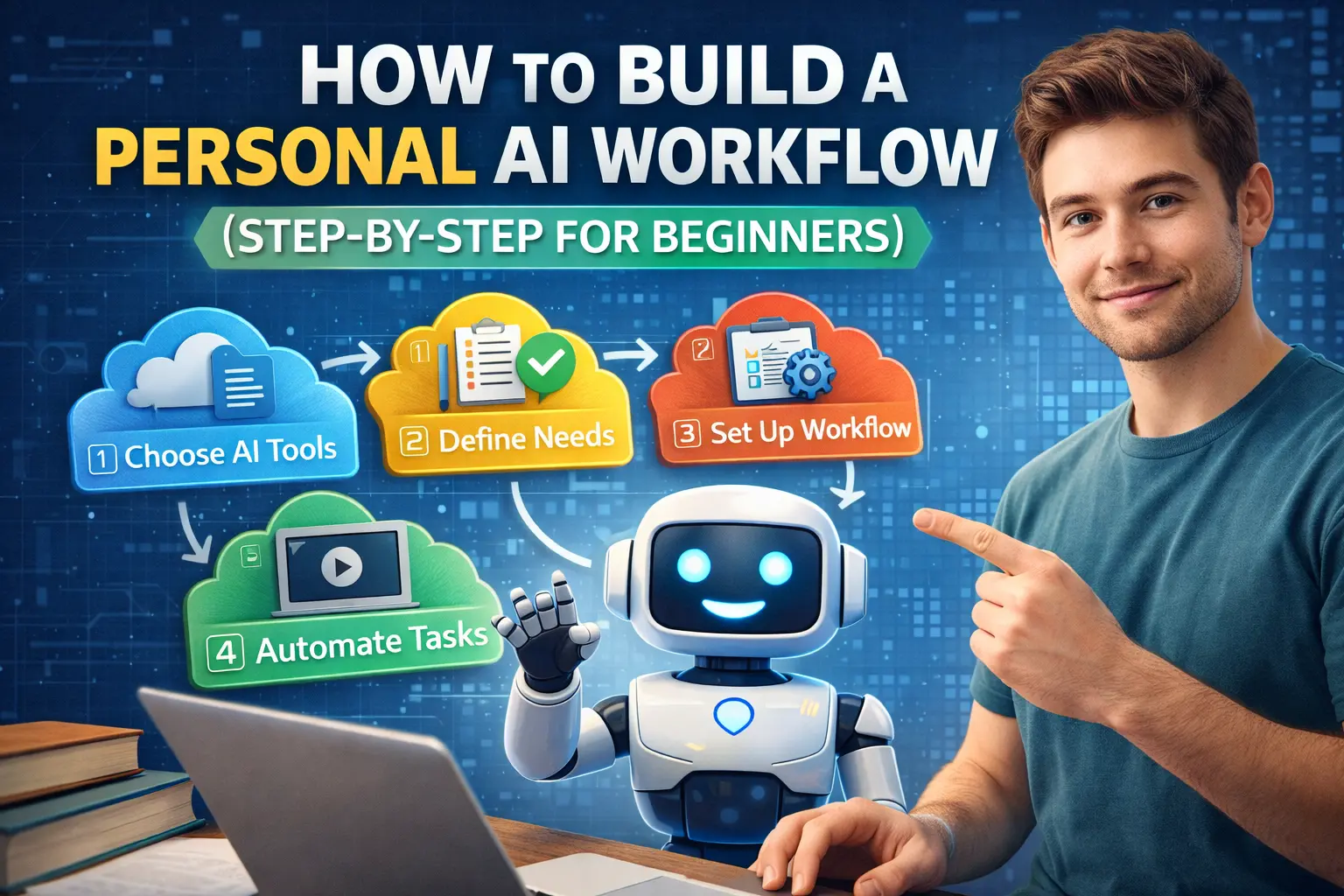
Summary
A personal AI workflow is a simple system where you use AI tools in a structured way to handle daily tasks like writing, research, planning, or organization.
Instead of randomly opening AI tools, you create a repeatable process:
Input → AI draft → Review → Refine → Store → Deliver.
When done correctly, this saves time without reducing quality.
AI becomes part of your routine, not a distraction.
Why this matters for real people
Many people try AI tools for a few days and stop.
Why?
Because they use them randomly.
They open an AI tool only when stuck.
They don’t build a system.
Without structure, AI feels like a toy.
With structure, AI becomes leverage.
A personal AI workflow helps you:
- reduce daily mental load
- avoid repetitive work
- work faster without rushing
- stay consistent
It turns experimentation into productivity.
Who should build an AI workflow
Students
To manage notes, research, and revision.
Freelancers
To draft proposals, content, and communication.
Small business owners
To handle emails, marketing, and planning.
Office professionals
To summarize documents and manage information.
Creators
To ideate, script, edit, and organize.
Anyone doing digital work benefits.
What problem this actually solves
The real issue is not lack of tools.
It is lack of integration.
People use:
- one AI for writing
- another for research
- another for design
But they don’t connect them.
A workflow connects tools logically.
It removes friction between tasks.
What is an AI workflow in simple words
Imagine cooking.
You don’t randomly use ingredients.
You follow steps:
Prepare → Cook → Taste → Adjust → Serve.
An AI workflow works the same way:
- Define task
- Generate draft
- Improve
- Store
- Deliver
It is structured assistance.
Step-by-Step: Build Your Personal AI Workflow

Step 1: Identify Your Repetitive Tasks
Start simple.
Ask yourself:
- What do I do daily or weekly?
- What takes too much time?
- What feels repetitive?
Common examples:
- replying to emails
- writing posts
- researching topics
- summarizing documents
- planning tasks
Choose one area first.
Do not try to automate everything.
Step 2: Choose Core AI Tools (Keep It Minimal)
For beginners, three categories are enough.
1) Thinking & drafting
ChatGPT
Used for:
- outlines
- first drafts
- explanations
2) Research & information
Perplexity
Used for:
- summaries
- source-based answers
- quick comparisons
3) Organization
Notion
Used for:
- storing ideas
- tracking projects
- organizing output
Keep your stack small.
Complexity kills consistency.
Step 3: Define a Clear Flow
Example workflow for writing content:
- Research topic (Perplexity)
- Draft outline (ChatGPT)
- Write first version (ChatGPT)
- Edit manually
- Store in Notion
- Publish
Example workflow for students:
- Read chapter
- Generate summary
- Create flashcards
- Practice questions
- Revise
The key is repeatability.
Step 4: Learn to Give Better Instructions
AI performance depends on input clarity.
Weak instruction:
“Explain marketing.”
Better instruction:
“Explain digital marketing in simple language with examples for beginners.”
The clearer your prompt, the better the output.
Over time, your instructions improve.
That is where real productivity grows.
Step 5: Add Human Review
Never skip this.
AI can:
- make confident mistakes
- sound correct but be wrong
- miss nuance
Always:
- verify facts
- adjust tone
- personalize output
AI supports thinking.
It does not replace judgment.
Step 6: Build Templates
Templates make workflow powerful.
Example email template:
“Draft a polite response to a customer asking about refund policy. Keep tone calm and professional.”
Save it.
Reuse it.
Over time, your AI becomes trained around your needs.
Step 7: Automate Lightly (Optional Advanced Step)
After mastering manual flow, you can explore automation tools.
But beginners should first focus on:
Consistency > Automation.
If you automate too early, errors multiply.
Example Personal AI Workflow (Beginner Version)
Let’s say you are a freelancer.
Daily tasks:
- find client ideas
- draft proposals
- create content
Workflow:
Morning:
Research niche topics → generate 3 ideas.
Midday:
Draft proposal template → customize.
Evening:
Summarize day’s notes → store in Notion.
Total saved time: 1–2 hours daily.
That compounds over months.
Where AI Workflows Do NOT Work Well
They struggle when:
- tasks are highly emotional
- decisions require negotiation
- strategy needs deep experience
AI handles structure better than strategy.
You must lead.
Cost, Effort, and Skill Expectation
Cost
Basic versions of tools are often free.
Premium tiers add convenience.
Effort
Initial learning curve.
Skill
Clarity in communication.
Your workflow improves gradually.
Do not expect perfection in week one.
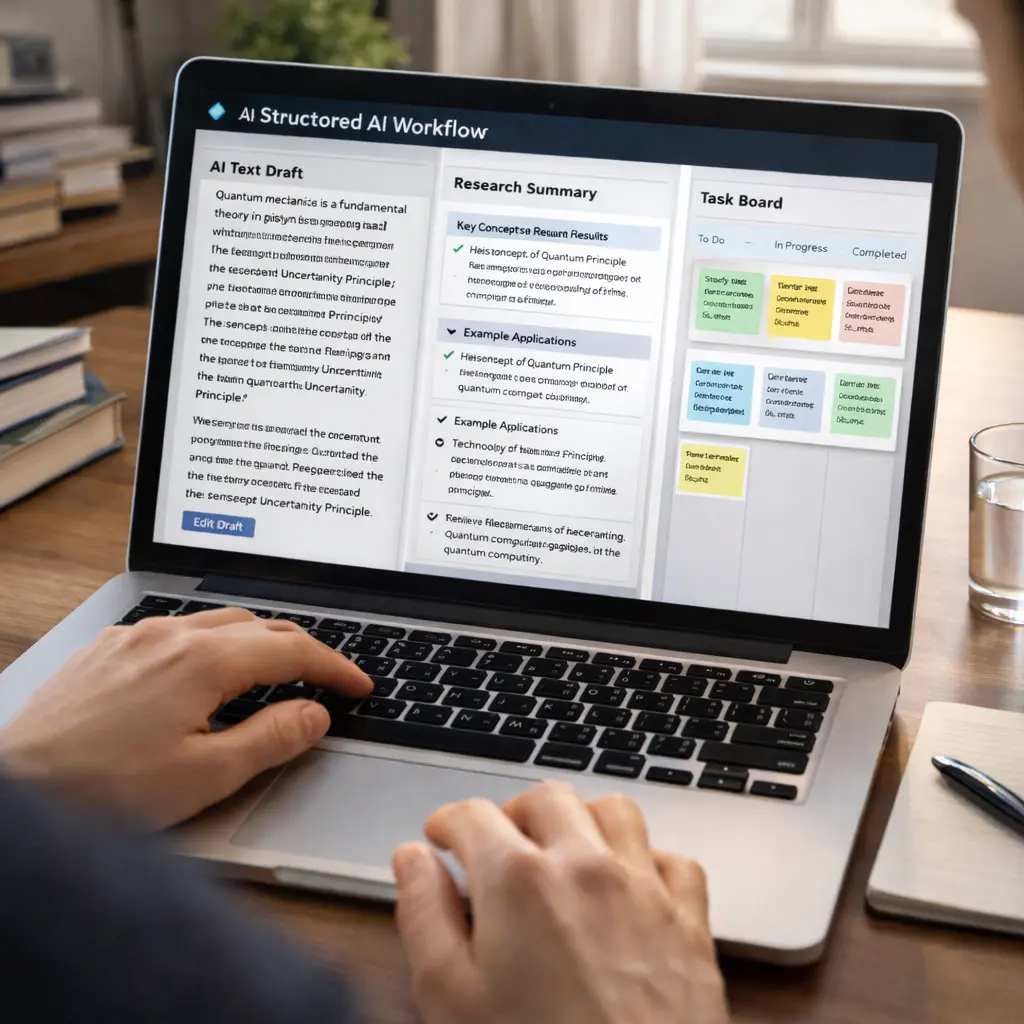
Comparison: Random Use vs Structured Workflow
| Approach | Productivity | Consistency | Stress Level |
|---|---|---|---|
| Random AI use | Medium | Low | Medium |
| Structured AI workflow | High | High | Lower |
| No AI | Low–Medium | Medium | Higher |
Structure multiplies output.
Decision Guide
Build a personal AI workflow if:
- you work digitally
- you repeat tasks
- you value time
Avoid building complex systems if:
- your work is fully offline
- your tasks are unpredictable
- you dislike structured processes
Future Outlook
AI tools will become integrated into:
- email platforms
- office suites
- learning systems
- creative software
But people who already understand workflow thinking will adapt faster.
Tools change.
Systems stay.
Learning to build personal workflows is future-proof.
Final Beginner Takeaway
Start small.
Choose one task.
Create a simple flow:
Task → AI → Review → Store.
Use it daily.
Refine slowly.
Over time, your workflow becomes a quiet productivity engine.
FAQ
Q1. Do I need coding knowledge to build an AI workflow?
No. Basic tool usage is enough.
Q2. How many tools should I use?
Start with two or three.
Q3. Is automation necessary?
Not at the beginning.
Q4. Can AI replace my thinking?
No. It supports, not replaces.
Q5. How long does it take to build a good workflow?
Usually a few weeks of consistent use.
Q6. Should students build workflows too?
Yes, especially for revision and research.
Q7. What is the biggest mistake beginners make?
Using too many tools at once.
Q8. What matters most?
Consistency and clarity.