
Summary
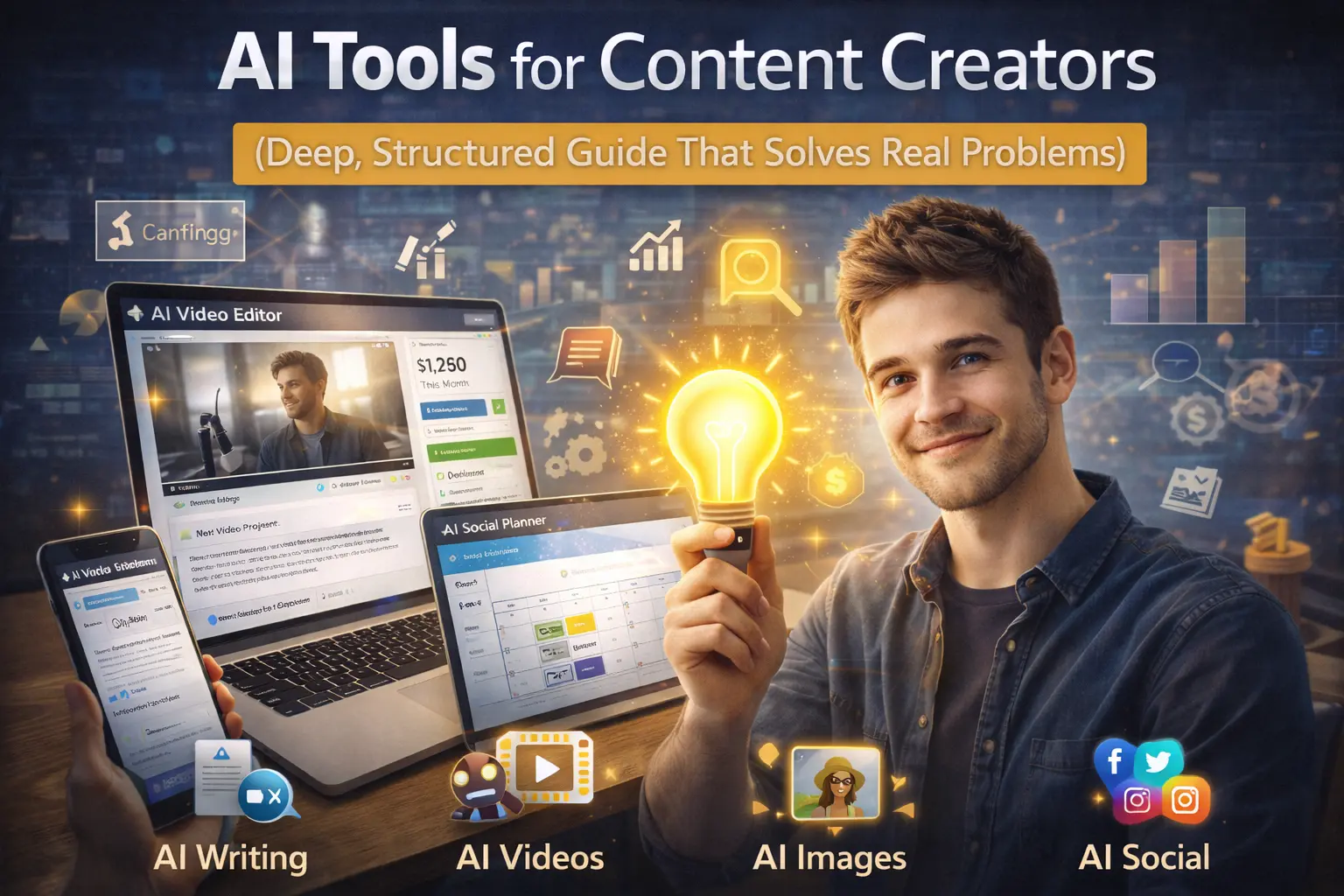
AI tools help content creators: ai tools for content creators
- generate ideas
- write scripts
- edit faster
- repurpose content
- design visuals
- analyze performance
But they do not create originality, voice, or audience trust.
The real advantage is speed and consistency.
If used correctly, AI reduces production time without lowering quality.
If misused, it creates generic content that no one remembers.
Why this topic matters
Content creation looks glamorous from outside.
In reality, it is:
- idea pressure
- posting consistency stress
- editing fatigue
- algorithm uncertainty
- burnout
Many creators quit not because they lack talent, but because they cannot sustain output.
AI tools reduce friction at every stage.
Less friction means more consistency.
Consistency builds growth.
Who should read this
YouTube creators
Script writing, editing, thumbnails.
Instagram & Reels creators
Short-form scripts and captions.
Bloggers
Research and drafting.
LinkedIn creators
Thought structuring and rewriting.
Podcasters
Show notes and summaries.
If you produce digital content regularly, this applies to you.
The real problems content creators face
Before listing tools, let’s identify pain points.
Problem 1: “I don’t know what to post.”
Idea fatigue is real.
Problem 2: Writing takes too long.
Drafting from scratch drains energy.
Problem 3: Editing consumes hours.
Video editing slows production.
Problem 4: Repurposing feels repetitive.
Turning one video into 5 formats is exhausting.
Problem 5: Analytics confusion.
Creators don’t know what works.
AI tools address these specific friction points.
Structured Breakdown of AI Tools for Content Creators

We’ll divide tools based on workflow stages.
Stage 1: Idea Generation & Research
Tool Example: ChatGPT
How it solves problems:
- Generates topic angles
- Creates outlines
- Suggests hooks
- Brainstorms headlines
Instead of staring at a blank screen, you refine ideas.
But you must guide it clearly.
Generic prompts → generic ideas.
Specific prompts → usable structure.
Tool Example: Perplexity
Helps summarize trends and collect sources.
Useful for:
- research-heavy content
- fact checking
- comparison videos
Time saved in browsing = more time creating.
Stage 2: Script Writing & Structuring
AI helps:
- create first draft scripts
- restructure long paragraphs
- improve flow
- simplify language
But script voice must remain yours.
Audience connects to personality, not automation.
Best approach:
Draft with AI → rewrite in your tone.
Stage 3: Video Creation & Editing
Tool Example: Runway Gen-3
Helps with:
- AI-generated video scenes
- background removal
- motion effects
- quick enhancements
This reduces manual editing time.
But storytelling still needs direction.
Tool Example: CapCut
AI features for:
- auto captions
- smart cuts
- music syncing
Speeds up short-form editing.
Stage 4: Design & Thumbnails
Tool Example: Canva
AI helps:
- suggest layouts
- adjust colors
- resize for platforms
But strong thumbnails need psychology, not just templates.
Creators must understand audience behavior.
Stage 5: Repurposing Content
One YouTube video can become:
- 5 Instagram reels
- 3 LinkedIn posts
- 1 blog article
- 10 tweets
AI assists in breaking long content into multiple formats.
This dramatically increases output without new recording.
Stage 6: Analytics & Improvement
Some AI tools summarize:
- watch time trends
- engagement patterns
- performance comparisons
This helps creators decide:
What to repeat.
What to stop.
Where AI Tools Do NOT Help
Important for clarity.
AI cannot:
- build emotional connection
- create authentic life experiences
- replace charisma
- guarantee virality
- understand deep niche nuance
Creators who depend fully on AI often lose originality.
AI must assist creativity, not replace it.
Cost, Effort & Skill Expectation
Cost
Many tools have free versions.
Advanced features are paid.
Effort
Learning prompting takes time.
Skill
Creative judgment matters more than technical knowledge.
The best creators use AI thoughtfully.
Comparison: AI-Assisted vs Manual Creation
| Aspect | Manual Only | AI-Assisted |
|---|---|---|
| Speed | Slow | Fast |
| Burnout Risk | High | Lower |
| Originality | High | Depends on user |
| Scalability | Limited | High |
AI improves scalability but originality depends on you.
Step-by-Step AI Workflow for Creators
- Research trend.
- Generate outline.
- Draft script.
- Personalize tone.
- Record video.
- Use AI editing tools.
- Repurpose content.
- Analyze performance.
Repeat.
Consistency grows channel.
Future of AI for Content Creators

AI will:
- integrate directly into cameras and editing apps
- auto-generate rough cuts
- predict thumbnail variations
- assist in audience segmentation
But audience loyalty will still depend on human connection.
Creators who combine personality with AI efficiency will dominate.
Final Takeaway
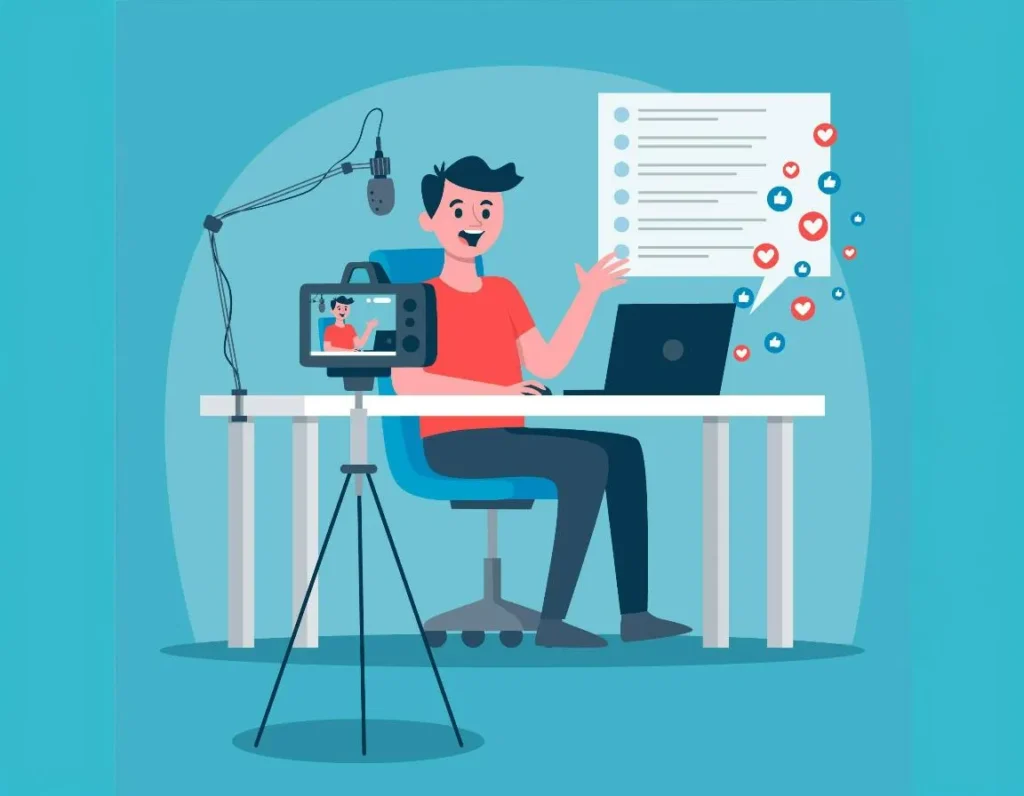
AI tools for content creators are powerful productivity amplifiers.
But they are not identity creators.
Your:
- perspective
- storytelling
- authenticity
are your competitive advantage.
Use yourself to create meaning.
FAQ
Q1. Are AI tools necessary for creators?
Not mandatory, but they increase speed and scalability.
Q2. Will AI make content generic?
Yes, if you copy without refining.
Q3. Which AI tool is best for beginners?
Writing assistants and auto-caption tools are easiest.
Q4. Can AI help grow YouTube faster?
It helps consistency, not guaranteed growth.
Q5. Is paid AI required?
Free versions are enough to start.
Q6. Does AI replace video editors?
It assists but does not replace skilled editing.
Q7. Can AI help with burnout?
Yes, by reducing repetitive workload.
Q8. What matters most?
Creative direction and consistency.