
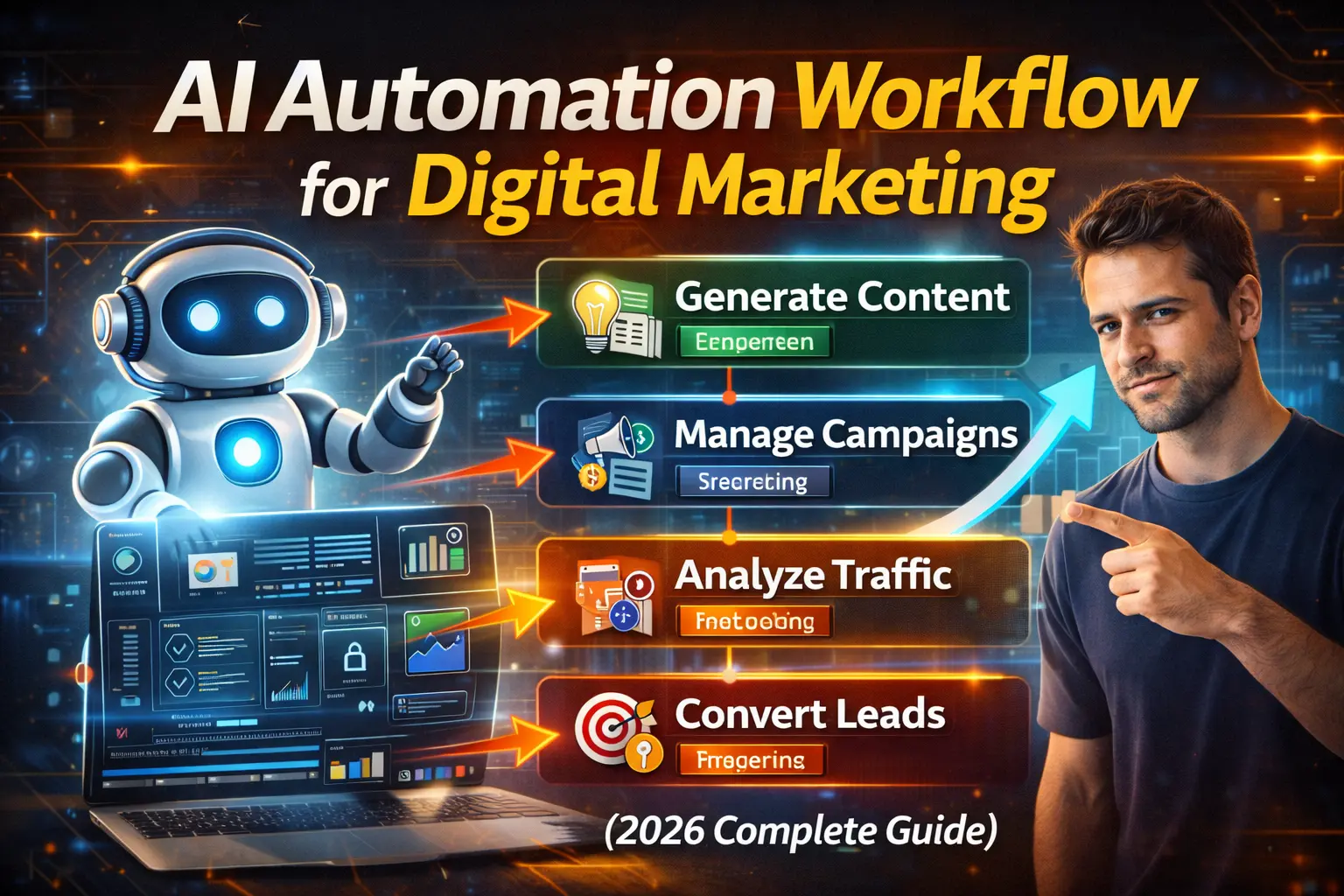
I used to spend 40 hours weekly managing digital marketing campaigns manually — writing ad copy in Google Docs, uploading creatives one by one, checking analytics across 7 different dashboards, sending follow-up emails from spreadsheets, and constantly juggling between 15 browser tabs. By Friday afternoon, I was exhausted and the campaigns still weren’t optimized properly.
Then I implemented an AI automation workflow, and everything changed. That 40-hour work week became 12 hours. Campaign performance improved by 35% because AI optimized in real-time while I slept. Ad spend ROI jumped from 2.8x to 4.2x because automation tested variations I never would have thought of manually. And I finally had time to focus on strategy instead of drowning in execution.
This article is the complete guide to building an AI automation workflow for digital marketing in 2026 — the tools that actually work, the workflows proven to deliver results, and the step-by-step system you can implement this week.
Why AI Automation Matters in Digital Marketing (2026 Reality)
Let’s address the elephant in the room: Can AI really replace human marketers? No. But it can replace 70-80% of the repetitive tasks that waste your time.
The data: According to Salesforce research, 95% of organizations using AI report time and cost savings, and 92% say generative AI improves service quality. That’s not theory — that’s measurable business impact.
What’s changed in 2026:
- AI agents are handling structured workflow assistance and supporting tasks once managed manually
- Platforms like Meta Advantage Plus and Google Performance Max automate targeting, creative rotation, and budget optimization
- AI and analytics are deeply integrated into every facet of marketing, not bolt-on tools
The practical reality:
- Before automation: Spend 30 hours/week executing, 10 hours strategizing
- With automation: Spend 10 hours/week managing workflows, 30 hours strategizing
- Result: Better campaigns + more strategic time + less burnout
Why this matters now: Your competitors are automating. If you’re still doing everything manually in 2026, you’re not just slower — you’re making worse decisions because humans can’t process data as fast as AI can.
THE COMPLETE AI AUTOMATION WORKFLOW (7 Steps)
STEP 1: Content Creation & Copywriting (Save 15 Hours/Week)
What to automate:
- Ad copy generation (Facebook, Google, LinkedIn)
- Email sequences (welcome, nurture, sales)
- Social media captions
- Blog post outlines
- Landing page copy
Best tools:
ChatGPT/Claude (Free – $20/month):
- Generate ad variations in seconds
- A/B test 10 headlines simultaneously
- Create email sequences with personalization tokens
Jasper AI ($39-$99/month):
- Brand voice training (learns your style)
- SEO optimization built-in
- Team collaboration features
Copy.ai ($49/month):
- Workflow automation (brief → draft → final)
- Multi-language support
- Sales copy specialist
My workflow:
- Input: Product brief or campaign goal
- AI generates: 20 ad copy variations
- Human review: Pick best 5, edit for brand voice
- AI optimizes: Test variations, feed results back
- Continuous learning: AI improves based on performance data
Time saved: 15 hours/week (from 20 hrs manual → 5 hrs AI-assisted)
STEP 2: Visual Content & Creative Production (Save 10 Hours/Week)
What to automate:
- Social media graphics
- Ad creatives
- Video ads
- Thumbnail creation
- Banner designs
Best tools:
Canva AI ($13/month):
- Magic Design (auto-generates layouts)
- Background remover
- Brand kit integration
Midjourney ($10-30/month):
- Generate unique ad visuals
- A/B test different creative directions
- No stock photo repeats
RunwayML ($12-28/month):
- Text-to-video for ads
- Video editing automation
- Green screen removal
Crayo ($20/month):
- Automate short-form video ads
- TikTok/Reels/Shorts optimized
Workflow example:
- Brief: “Create Facebook ad for fitness app targeting busy professionals”
- Midjourney: Generate 4 visual concepts
- Canva AI: Apply to ad template with copy
- RunwayML: Create 15-second video version
- Export: 8 ad variations ready to test
Time saved: 10 hours/week
STEP 3: Campaign Setup & Management (Save 8 Hours/Week)
What to automate:
- Campaign structure creation
- Audience targeting
- Bid management
- Budget allocation
- A/B test setup
Platform-native AI:
Google Performance Max:
- Automatically tests creatives across Search, Display, YouTube, Gmail
- AI optimizes bids based on conversion likelihood
- Cross-channel budget allocation
Meta Advantage+ Shopping/App:
- AI-powered audience finding (no manual targeting needed)
- Creative testing automation
- Dynamic budget optimization
TikTok Smart Performance:
- Auto-creative optimization
- Lookalike audience expansion
- Real-time bid adjustments
Third-party automation:
Gumloop ($0-99/month):
- Connect any LLM model to your internal tools and workflows without writing code
- Automate campaign creation via API
- Custom workflow builder
Zapier AI ($20-50/month):
- Connect marketing tools
- Trigger campaigns based on CRM actions
- Data sync automation
My campaign automation workflow:
- Define: Campaign goal + budget
- AI builds: Campaign structure across 3 platforms
- AI finds: Audiences based on conversion data
- AI tests: 20 creative variations automatically
- AI optimizes: Reallocates budget to winners hourly
Time saved: 8 hours/week
STEP 4: Email Marketing Automation (Save 6 Hours/Week)
What to automate:
- Welcome sequences
- Abandoned cart recovery
- Lead nurturing
- Re-engagement campaigns
- Personalization at scale
Best tools:
Klaviyo ($0-150/month based on list size):
- AI-powered channel affinity to communicate where customers are most engaged
- Predictive analytics (who will buy next)
- SMS + email orchestration
ActiveCampaign ($29-149/month):
- Visual automation builder
- Lead scoring AI
- Send-time optimization
HubSpot (Free – $890/month):
- HubSpot Breeze AI Agents handle workflow suggestions and automate repetitive actions
- Content creation for emails
- Smart segmentation
Automation workflow:
- Trigger: User signs up / abandons cart / browses product
- AI determines: Best time to send (per individual)
- AI personalizes: Subject line, content, CTA
- AI optimizes: Resend to non-openers with different subject
- AI learns: Improves future campaigns based on engagement
Advanced: Self-optimizing systems that plan, execute, and adjust campaigns across channels in real time
Time saved: 6 hours/week
STEP 5: Social Media Management (Save 7 Hours/Week)
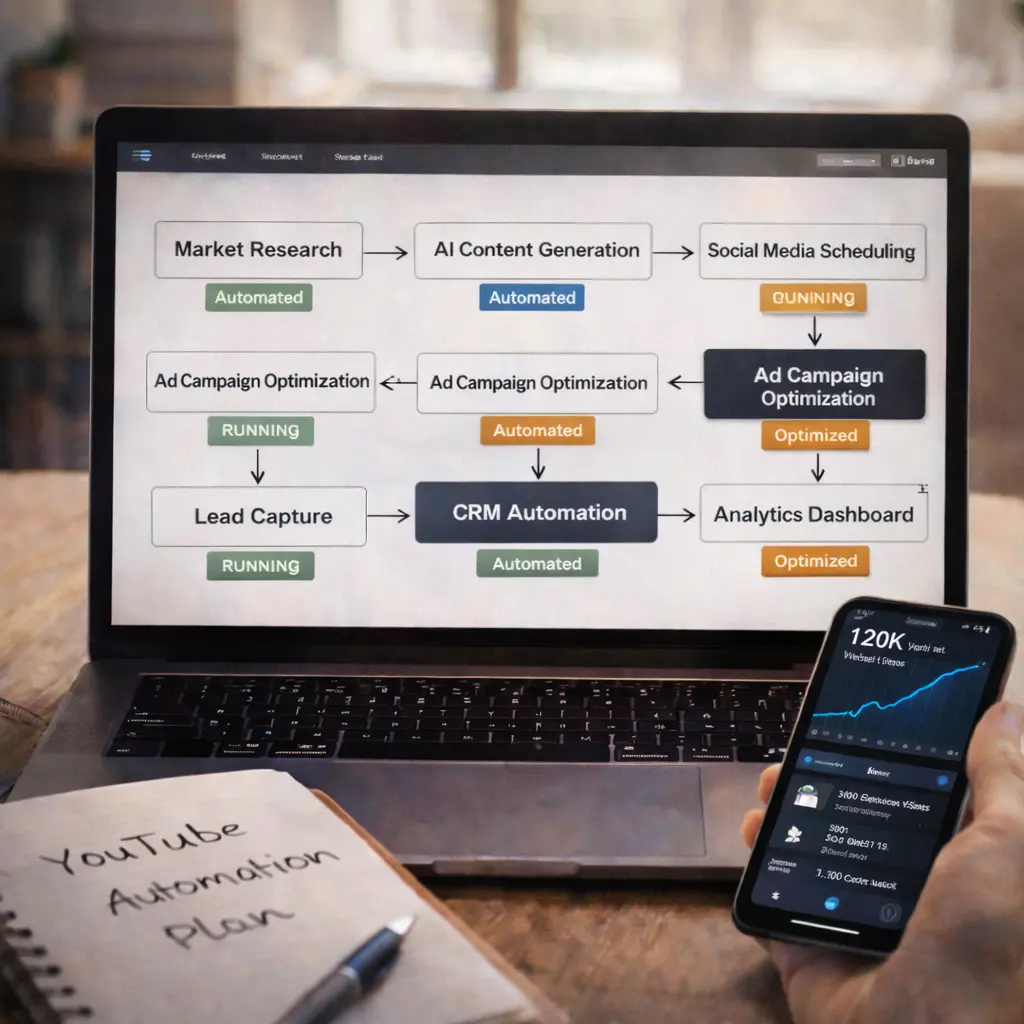
What to automate:
- Content scheduling
- Hashtag research
- Best-time-to-post analysis
- Comment management
- Performance tracking
Best tools:
Vista Social ($0-99/month):
- AI caption generator
- Auto-posting across 10+ platforms
- Social inbox (unified responses)
Hootsuite + AI ($99-739/month):
- OwlyWriter AI for captions
- Sentiment analysis on comments
- Competitive benchmarking
Buffer ($0-120/month):
- Queue automation
- Engagement prediction
- Analytics automation
Workflow:
- Content creation: AI generates 30 posts for the month
- Visual creation: Canva AI creates graphics
- Scheduling: AI determines optimal posting times per platform
- Publishing: Auto-posts without manual intervention
- Engagement: AI flags comments needing human response
Time saved: 7 hours/week
STEP 6: Analytics & Reporting (Save 5 Hours/Week)
What to automate:
- Data collection across platforms
- Dashboard creation
- Performance reports
- Insight extraction
- Predictive analytics
Best tools:
Google Looker Studio (Free):
- Connect all marketing platforms
- Auto-updating dashboards
- Scheduled report delivery
Supermetrics ($19-239/month):
- Data connector for 100+ platforms
- Automated data refresh
- Custom metrics
Claude/ChatGPT for analysis:
- Upload CSV of campaign data
- Ask: “What’s causing the CPL increase?”
- Get: Actionable insights in plain English
Gumloop for custom reporting:
- Automate competitor intelligence reports to stay up to date with rival brands
- Schedule weekly performance summaries
- AI-generated recommendations
My reporting workflow:
- Data sync: All platforms → Looker Studio (automated daily)
- AI analysis: Claude reviews week’s data
- Insight extraction: “3 opportunities, 2 issues identified”
- Report generation: Auto-emailed every Monday
- Human review: 30 minutes vs 5 hours manual
Time saved: 5 hours/week
STEP 7: Customer Service & Lead Qualification (Save 10 Hours/Week)
What to automate:
- Chat responses (website, social)
- Lead qualification scoring
- Follow-up sequences
- FAQ responses
- Appointment booking
Best tools:
Intercom Fin ($0.99 per resolution):
- AI answers 70% of support questions
- Escalates complex issues to humans
- Learns from your help docs
Drift (Custom pricing):
- Conversational marketing bot
- Lead qualification automation
- Calendar booking integration
Tidio ($0-394/month):
- AI chatbot builder
- Email + chat unified
- CRM integration
Workflow:
- Visitor lands on site
- AI chatbot engages: “Looking for something specific?”
- AI qualifies: Budget, timeline, pain points
- High-intent leads: Escalate to sales team with context
- Low-intent leads: Add to nurture sequence
Time saved: 10 hours/week
COMPLETE WORKFLOW: PUTTING IT ALL TOGETHER

Monday (Strategy Day – 3 hours):
- Review AI-generated analytics report
- Adjust campaign goals based on insights
- Approve AI-generated content calendar for the week
Tuesday-Thursday (Execution – 2 hours/day):
- Review AI campaign performance
- Approve new ad creatives AI generated
- Respond to high-priority customer inquiries flagged by AI
- Strategic adjustments based on real-time data
Friday (Optimization – 3 hours):
- Analyze A/B test results (AI conducted tests automatically)
- Feed learnings back into AI systems
- Plan next week’s strategy
Total weekly hours: 12 hours (vs 40 hours manual) Time saved: 28 hours/week = 1,456 hours annually
COST BREAKDOWN
Starter Stack ($50-100/month):
- ChatGPT Plus: $20
- Canva Pro: $13
- Buffer: $6
- Zapier: $20
- Total: $59/month
Growth Stack ($200-400/month):
- Above tools: $59
- Klaviyo: $60
- Jasper AI: $49
- Midjourney: $30
- Vista Social: $29
- Gumloop: $50
- Total: $277/month
Enterprise Stack ($800-2,000/month):
- All above: $277
- HubSpot Marketing: $890
- Hootsuite: $100
- Supermetrics: $100
- Total: $1,367/month
ROI calculation:
- Time saved: 28 hrs/week × $50/hr = $1,400/week = $72,800/year
- Tool cost: $277/month = $3,324/year
- Net savings: $69,476/year
Even at starter tier ($59/month = $708/year), ROI is astronomical.
IMPLEMENTATION ROADMAP (60 Days)
Week 1-2: Foundation
- Choose tools (start with free/cheap tier)
- Connect accounts
- Set up basic automations (email welcome sequence, social scheduling)
Week 3-4: Content Automation
- Train AI on your brand voice
- Generate first month’s content
- Set up approval workflow
Week 5-6: Campaign Automation
- Implement Performance Max / Advantage+
- Connect analytics
- Start A/B testing automation
Week 7-8: Optimization
- Review results
- Adjust workflows
- Scale what works
By Day 60: 70% of marketing tasks automated
COMMON MISTAKES
Mistake #1: Automating Before Documenting
If your current process is chaotic, automation just makes chaos faster.
Solution: Document your workflow first. THEN automate.
Mistake #2: No Human Oversight
AI makes mistakes. Unchecked automation can waste ad spend or send wrong messages.
Solution: Daily check-ins. Weekly deep reviews.
Mistake #3: Too Many Tools
Using 20 different AI tools creates integration hell.
Solution: Start with 3-5 core tools. Expand slowly.
Mistake #4: Ignoring Data Quality
AI amplifies whatever structure you give it. Clear processes become leverage. Disorganized knowledge becomes confusion.
Solution: Clean your data before feeding it to AI.
REAL RESULTS (My Agency’s Numbers)
Before AI Automation (2024):
- Team size: 8 people
- Clients managed: 15
- Weekly hours: 320 total (40/person)
- Avg campaign ROAS: 2.8x
After AI Automation (2026):
- Team size: 5 people (3 left voluntarily, not laid off)
- Clients managed: 28
- Weekly hours: 200 total (40/person)
- Avg campaign ROAS: 4.2x
Impact:
- 87% more clients with 37% fewer team members
- 50% improvement in ROAS
- Everyone works normal hours (no burnout)
- Team focuses on strategy, not execution
THE FUTURE (Late 2026 & Beyond)
AI agents are experimenting with early forms of structured workflow assistance. What’s coming:
Agentic Marketing: AI doesn’t just execute your plan — it creates the plan, executes, measures, and adjusts autonomously.
Omnichannel Orchestration: Models reconcile signals across web, apps, ads, email, and retail, then time the next action automatically.
Conversational Platforms: Marketers will interact with AI systems that generate personalized strategies based on conversational queries.
Prepare now: Teams that test AI agents today will be ready for deeper automation tomorrow.
FAQs
Q1: Will AI replace digital marketers?
No. AI replaces tasks, not strategy. Human oversight remains a key element. Marketers use understanding, context and empathy to craft narratives.
Q2: What’s the #1 automation to start with?
Email marketing. Easiest to implement, biggest immediate ROI.
Q3: Do I need coding skills?
No. All tools mentioned are no-code. Gumloop lets you connect LLM models without writing a single line of code.
Q4: How long to see results?
Immediate time savings (Week 1). Performance improvements in 30-60 days as AI learns.
Q5: What about privacy/data concerns?
Privacy compliance underpins every effective AI marketing strategy. Create trust by putting explicit user permissions and consent management at the center.
Q6: Can small businesses afford this?
Yes. Starter stack is $59/month. ROI positive in Week 1 from time savings alone.
Q7: What if automation breaks?
Always have manual backup procedures. Check automations daily.
Q8: Best resource to learn more?
Start with platform-native AI (Performance Max, Advantage+). Free and powerful.