
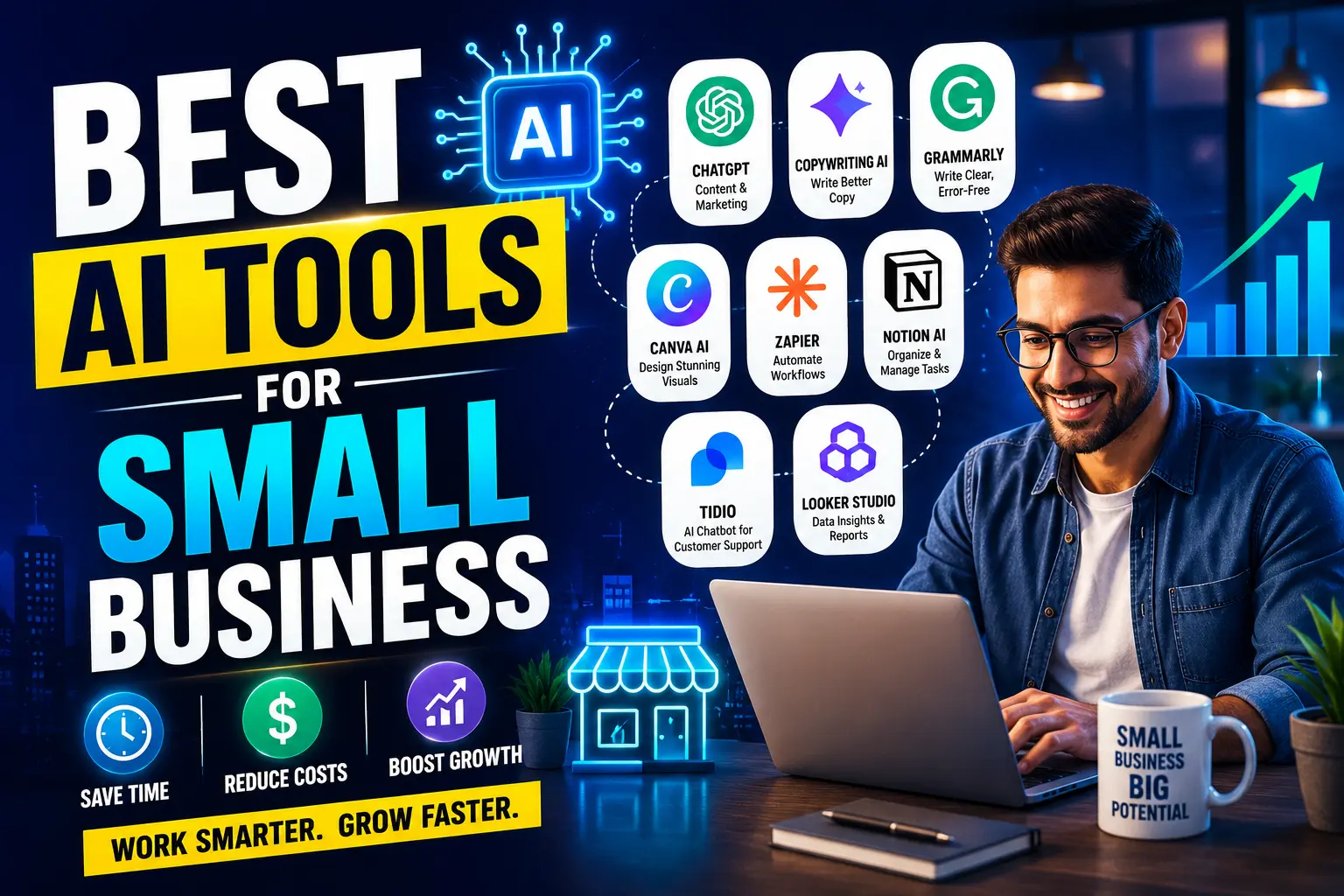
A search for “best AI tools for small business” mostly returns two kinds of articles.
The first type lists 40+ tools with one sentence each. Nobody reads all 40. Nobody needs all 40.
The second type is thinly disguised affiliate marketing, ranking tools by commission rate instead of fit.
Neither approach answers the actual question a business owner has: “Which specific tool solves my specific bottleneck, and what will it cost me to find out?”
This guide is organized by business problem, not by tool category, because that’s how small business owners actually think about their day.
WHY SMALL BUSINESSES ARE ADOPTING AI DIFFERENTLY THAN LARGE COMPANIES
Enterprise AI adoption usually goes through IT departments, procurement, and months of evaluation.
Small businesses don’t have that luxury or that overhead. A business with five employees typically adopts a tool because the owner tried it on a Tuesday afternoon, it solved a problem in twenty minutes, and it stayed in the workflow by Friday.
According to multiple industry studies on small business technology adoption, the deciding factor is rarely feature completeness — it’s time-to-value. A tool that takes two weeks to configure loses to a tool that works acceptably in ten minutes, even if the second tool is objectively less powerful.
That reality shapes every recommendation in this guide. Tools that require a technical setup phase are flagged clearly, so you know what you’re signing up for before you start.
HOW TO USE THIS GUIDE
Each section below addresses one common small business bottleneck:
- Customer communication that eats your day
- Bookkeeping and financial admin
- Marketing content you don’t have time to write
- Scheduling and administrative coordination
- Basic design work you’re currently outsourcing or avoiding
Pick the section matching your biggest current headache. Start there. Don’t try to implement five tools in one week.
SECTION 1: CUSTOMER COMMUNICATION TOOLS
The Common Bottleneck
A small business receiving 30-80 customer inquiries per week often has one person (frequently the owner) manually answering the same five questions repeatedly: hours, pricing, availability, return policy, and order status.
Illustrative scenario: Picture a boutique repair shop where the owner spends the first hour of every morning answering the same three questions over email and social media DMs before doing any actual repair work. That hour, repeated five days a week, is roughly 20% of a working week spent on repetitive typing rather than the work that generates revenue.
What Actually Helps
Intercom Fin (AI Copilot) Handles tiered customer support with AI drafting responses for review before sending. Works well once you’ve fed it your FAQ content.
ChatGPT (Custom GPT feature) A free-tier option: build a custom GPT trained on your business FAQs, hours, and policies. Customers won’t interact with it directly unless embedded on your site, but you can paste customer questions in and get accurate drafted replies in seconds.
Tidio Purpose-built for small e-commerce and service businesses. Free tier covers basic chatbot deployment on your website.
| Tool | Best For | Free Plan | Setup Difficulty | Monthly Cost (Paid) |
|---|---|---|---|---|
| Tidio | Website chat widget | Yes, limited conversations | Low | $29+ |
| ChatGPT Custom GPT | Manual draft-and-send workflow | Yes | Low | $20 (Plus tier) |
| Intercom Fin | Multi-channel support teams | No | Medium | $39+ per seat |
What Most Beginners Get Wrong
They deploy a chatbot on day one without feeding it their actual business information first. An AI tool that doesn’t know your return policy will either make one up or deflect every question to a human — defeating the purpose entirely.
What Experts Do Differently
They spend the first week building a clean FAQ document — even a simple text file — before touching any AI tool. The AI is only as useful as the information behind it.
SECTION 2: BOOKKEEPING AND FINANCIAL ADMIN

The Common Bottleneck
Manual expense categorization, chasing unpaid invoices, and month-end reconciliation are the three tasks small business owners report dreading most, according to multiple small business accounting surveys.
Illustrative scenario: A freelance consultant invoicing 15 clients a month might spend three to four hours monthly just tracking who has paid, who hasn’t, and manually sending reminder emails. That’s nearly a full working day recovered if automated.
What Actually Helps
QuickBooks (AI Categorization Feature) Auto-categorizes transactions based on learned patterns from your history. Not flawless — review monthly — but cuts manual categorization time significantly.
Bill.com Automates invoice creation, payment reminders, and follow-up sequences. Particularly useful for service businesses billing on a recurring basis.
ChatGPT/Claude for financial explanation Not for automated bookkeeping, but genuinely useful for asking “explain this tax deduction in plain English” or drafting a professional overdue-payment email without sounding aggressive.
| Tool | Best For | Free Plan | Setup Difficulty | Monthly Cost |
|---|---|---|---|---|
| QuickBooks | Full bookkeeping + AI categorization | 30-day trial only | Medium | $35+ |
| Bill.com | Invoice automation | No | Medium | $45+ |
| Claude/ChatGPT | Explaining finances, drafting emails | Yes | Low | Free–$20 |
Common Mistake
Trusting AI categorization completely without a monthly review. AI-suggested categories are usually 85-90% accurate based on typical small business use — good enough to save time, not good enough to skip your accountant’s review before tax season.
SECTION 3: MARKETING CONTENT
The Common Bottleneck
Small businesses know they should post consistently on social media and send regular email updates. Most don’t, because content creation competes directly with time spent serving actual customers.
Illustrative scenario: A local bakery owner wants to post three times a week on Instagram but manages once every two weeks because writing captions, picking hashtags, and finding time to sit down and “be creative” keeps getting pushed to the bottom of the list.
What Actually Helps
ChatGPT or Claude (Free Tier) Draft a week of social captions in fifteen minutes by giving the AI your brand voice and a list of this week’s products or updates. You still edit and personalize, but the blank-page problem disappears.
Canva (Free Tier with AI features) Combines design templates with AI background generation and Magic Resize, letting one graphic become five properly-sized versions for different platforms.
Buffer or Later (Free Tier) Not AI-generation tools themselves, but pairing them with AI-drafted content lets you batch-schedule a week of posts in one sitting instead of daily manual posting.
| Tool | Best For | Free Plan | Setup Difficulty | Monthly Cost |
|---|---|---|---|---|
| ChatGPT/Claude | Caption and copy drafting | Yes | Low | Free–$20 |
| Canva | Visual design | Yes, generous | Low | $15+ |
| Buffer | Scheduling | Yes, limited channels | Low | $6+ |
Before You Start: Checklist
✔ Write down your brand voice in 3-5 words (e.g., “warm, direct, a little funny”) ✔ Gather your last 10 social posts that performed well, if you have them ✔ Give the AI tool that context before asking for drafts ✔ Always personalize AI output — never post it unedited ✔ Track which AI-assisted posts perform better or worse than your manual ones
SECTION 4: SCHEDULING AND ADMINISTRATIVE COORDINATION
The Common Bottleneck
Back-and-forth emails to find a meeting time, or manually confirming appointments, cost small teams real hours every week — hours that don’t show up on any invoice.
What Actually Helps
Calendly (Free Tier) Removes the scheduling back-and-forth entirely. Not technically “AI” in the generative sense, but increasingly bundles AI features like smart time suggestions.
Google Gemini in Gmail/Calendar (Free with Google account) Drafts meeting confirmations, summarizes long email threads, and suggests replies directly inside tools you already use.
Otter.ai (Free Tier) Transcribes and summarizes meetings automatically — useful for owners who can’t attend every call personally but need the key points afterward.
| Tool | Best For | Free Plan | Setup Difficulty | Monthly Cost (verified) |
|---|---|---|---|---|
| Calendly | Eliminating scheduling emails | Yes (1 event type only) | Very Low | Standard: $10/seat annual, $12 monthly |
| Gemini (Gmail/Calendar) | Email and calendar assistance | Yes | Very Low | Free–$20 (Google AI Pro tier) |
| Otter.ai | Meeting transcription | Yes, 300 min/month | Low | $10+ (Pro tier varies) |
Pricing verified via live search, current as of mid-2026. Note: Calendly’s free plan is capped at one active event type — a real constraint if you offer multiple appointment types.
SECTION 5: BASIC DESIGN AND VISUAL WORK

The Common Bottleneck
Hiring a designer for every small graphic — a flyer, a menu update, a simple logo variation — is expensive and slow for one-off needs.
What Actually Helps
Canva Magic Studio AI-assisted design covering background removal, text-to-image, and template resizing, all inside the same free platform most small businesses already know.
Remove.bg (Free Tier) A narrow but genuinely useful tool: instant background removal for product photos, replacing what used to be a Photoshop task.
Adobe Firefly (Free Tier) More design-capable than Canva’s AI features for businesses needing higher production value, with a legitimate commercial-use license on generated images.
| Tool | Best For | Free Plan | Setup Difficulty | Monthly Cost (verified) |
|---|---|---|---|---|
| Canva | All-around design | Yes, generous | Low | Pro: ~$12-15/mo billed annually (~$18 monthly) |
| Remove.bg | Background removal only | Yes, limited resolution | Very Low | $9+ |
| Adobe Firefly | Higher-quality generation | Yes, limited credits | Low | $10+ |
Canva pricing verified mid-2026: exact figure varies by promotion and region — check canva.com/pricing before publishing final numbers. Note that Canva now bills per-seat if more than one person needs an account (Business tier, ~$20-25/user/month), not the flat team rate it used to offer.
THREE ILLUSTRATIVE CASE STUDIES
The following scenarios are illustrative composites built from commonly reported small business patterns, not documentation of specific named companies.
Case Study 1: The Service Business Drowning in Email
Problem: A two-person home repair business was losing an estimated 8-10 hours weekly to email and phone scheduling, quote requests, and repeated FAQ answers.
Solution: Combined a Calendly booking page with a ChatGPT-drafted FAQ page and standard quote-response templates.
Process: Built the FAQ page over one weekend using existing customer email history as source material. Set up Calendly with service-specific time blocks. Created five email templates covering the most common quote requests.
Result: Estimated recovery of 5-6 hours weekly, redirected toward actual repair jobs rather than administrative back-and-forth.
Lesson: The AI tool wasn’t the hard part — organizing the underlying information (FAQs, pricing, availability) took longer than any software setup.
Case Study 2: The Solo Consultant’s Invoice Chaos
Problem: A freelance consultant managing 12-15 active clients had no consistent invoicing system, leading to late payments and an estimated 3-4 hours monthly spent chasing overdue accounts.
Solution: Adopted Bill.com for automated invoice generation and reminder sequences, paired with Claude for drafting non-awkward follow-up messages for genuinely overdue accounts.
Process: Migrated existing client billing information over roughly two weeks, running old and new systems in parallel to avoid missed payments during transition.
Result: Reported reduction in late payments and reclaimed time previously spent on manual reminder emails.
Lesson: Automation tools work best layered onto an existing (even messy) system rather than requiring a complete process overhaul from day one.
Case Study 3: The Local Retailer’s Content Gap
Problem: A small retail shop wanted consistent social media presence but the owner, already working 50+ hours weekly on the shop floor, couldn’t sustain a posting schedule.
Solution: Weekly 20-minute session using ChatGPT to draft a week of captions based on new inventory, paired with Canva for matching visuals, scheduled through Buffer’s free tier.
Process: Owner batch-planned content every Sunday evening instead of attempting daily real-time posts.
Result: Posting consistency improved from roughly twice monthly to three times weekly, with the AI-assisted workflow taking less total time than the previous inconsistent manual approach.
Lesson: Consistency mattered more than perfection — AI-assisted “good enough” posts published regularly outperformed sporadic highly-polished ones.
PROS AND CONS OF AI TOOLS FOR SMALL BUSINESS
Pros
- Meaningful time recovery on repetitive tasks, freeing owners for revenue-generating work
- Most tools listed have genuine free tiers, lowering the barrier to testing
- No technical background required for the majority of these tools
- Faster iteration — testing an AI tool costs an afternoon, not a procurement cycle
Cons
- Free tiers often have real usage limits that get hit quickly during busy periods
- AI-generated content and categorization still requires human review
- Tool sprawl is a genuine risk — adopting too many tools creates its own overhead
- Data privacy considerations matter more for customer-facing tools handling sensitive information
BEST PRACTICES FOR ADOPTION
✔ Solve one bottleneck at a time — resist adopting five tools simultaneously
✔ Test with real data for at least one full week before committing
✔ Always review AI output before it reaches a customer or a tax filing
✔ Revisit your tool choices every 3-6 months; this space changes quickly
✔ Keep a simple record of what each tool actually saved you, in time or money
FREQUENTLY ASKED QUESTIONS
1-Do I need technical skills to use these tools?
No. Every tool listed here is designed for non-technical users, with the possible exception of more advanced Bill.com or QuickBooks integrations, which may benefit from a brief onboarding call.
2-Which tool should I try first?
Start with whichever bottleneck costs you the most hours weekly. For most small businesses, that’s customer communication or scheduling — start there before marketing content.
3-Are free tiers actually usable, or just trial bait?
The tools listed here have maintained genuine free tiers for an extended period, suggesting sustainable freemium models rather than short-term trials. Limits exist (message counts, monthly minutes), but none require a credit card to begin.
4-Will AI tools replace my need for an accountant or a designer?
No. AI tools reduce repetitive workload; they don’t replace professional judgment for tax filings, complex design branding, or legal matters. Treat AI output as a draft, not a final product, in those areas.
5-How much should I budget monthly for AI tools as a small business?
Most small businesses can meaningfully improve operations for $50-150 monthly across 2-3 tools, based on the pricing tiers shown in the tables above. Start with free tiers and upgrade only the tools proving clear value.
6-Is my customer data safe with these tools?
Review each tool’s privacy policy before feeding it customer information, particularly for customer service AI. Reputable tools listed here publish clear data handling policies; avoid any AI tool that doesn’t.
7-Can I use ChatGPT for everything instead of specialized tools?
Partially. ChatGPT and Claude are excellent for drafting, explaining, and one-off text tasks, but purpose-built tools (Calendly for scheduling, Canva for design) handle their specific job with far less manual effort than general-purpose AI chat.
8-What’s the biggest mistake small businesses make with AI tools?
Adopting a tool without first organizing the underlying information it needs — an AI chatbot without a clean FAQ, or invoice automation without clean client records, will underperform regardless of how good the AI is.
9-How long before I see real time savings?
Simple tools (Calendly, Canva) show savings within days. Tools requiring setup (QuickBooks categorization, customer service AI) typically show meaningful savings within 3-4 weeks, once initial configuration and review cycles settle.
10-Do these tools work for non-English-speaking customers?
Most major tools (ChatGPT, Claude, Gemini, Canva) support multiple languages well. Verify specific language support before relying on a tool for customer-facing multilingual communication.
11-Should I tell customers they’re interacting with AI?
Increasingly, yes — transparency builds trust, and several regions are moving toward disclosure requirements for AI-driven customer interactions. Check your local regulations if deploying customer-facing chatbots.